Download the App and manage your eSIMs easily
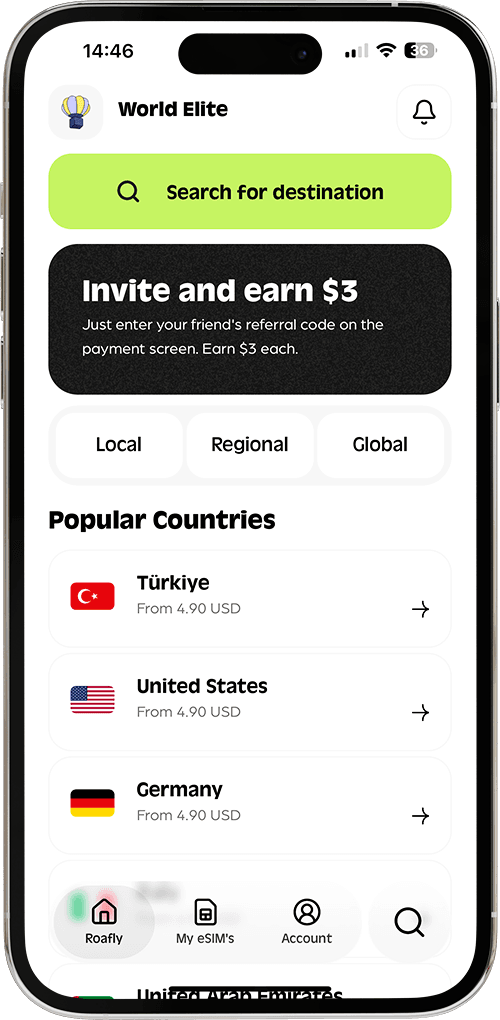
Create your order quickly
See your eSIM details
Track your remaining data
Download the App and manage your eSIMs easily
Create your order quickly
See your eSIM details
Track your remaining data
New York by subway and a drive between national parks call for different phone setups. The best travel apps for the USA are the ones that fit your route: a ride account for airport transfers, local transit information for city days, and downloaded park guides for time away from reliable reception.

Lena Hartley
Updated Nov 4, 2026
9 min read
Save 15% on your Roafly eSIM
Stay connected on your next trip. Use the code below at checkout.
View All DestinationsJump to section
👇
Manage your eSIM in the app
Install, top up and track data.
Save 15% on your Roafly eSIM
Stay connected on your next trip. Use the code below at checkout.
View All DestinationsStart with one map app and the transport tools you will actually use. Add restaurant, parking and park-reservation apps around your plans. Finishing account verification and saving the right information before departure will make that small selection much more useful.
| Your trip | Apps worth considering | Prepare before you need them |
|---|---|---|
| City sightseeing | Uber or Lyft, plus Transit | Verify your ride account and find your city's transit coverage |
| National parks | National Park Service and Recreation.gov | Download park content and arrange any required reservations |
| Rental-car journey | GasBuddy and SpotHero | Compare the correct fuel price and your parking requirements |
| Restaurant plans | OpenTable | Search your dates and read the restaurant's booking policy |
| Everyday navigation | Google Maps or Apple Maps | Download the areas covering your journey |
| Eligible U.S. arrivals | Mobile Passport Control | Establish eligibility and whether your arrival location participates |
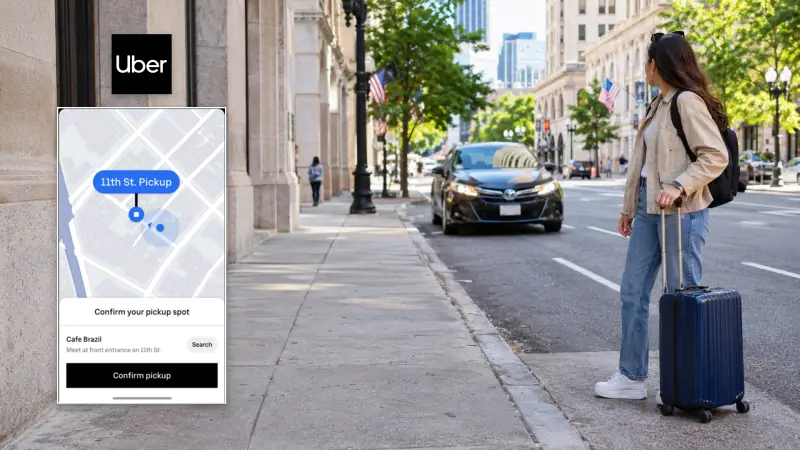
Uber is a practical starting point if you already use it at home. Lyft gives you another fare and pickup-time comparison where both operate. Compare the same destination and a vehicle size that fits your group and luggage before requesting a ride.
Airport pickups deserve particular attention. Collect your bags first, then follow the terminal, door or pickup-zone instructions in the app. The place where a driver can collect you may be different from the nearest exit.
Set up Lyft before departure: registration uses a text-message verification code, and phone numbers from some countries are unsupported. Completing signup while you can receive that message is more useful than discovering the problem outside arrivals.
Add your intended payment method in advance, using its correct billing details. If a card is declined, resolve the issue with the issuer or use another supported method.
Before getting in, match the vehicle and driver to the booking. Keep the journey and payment within the service you booked; unsolicited offers and requests to switch payment arrangements are among the situations covered in our guide to tourist scams in the USA.
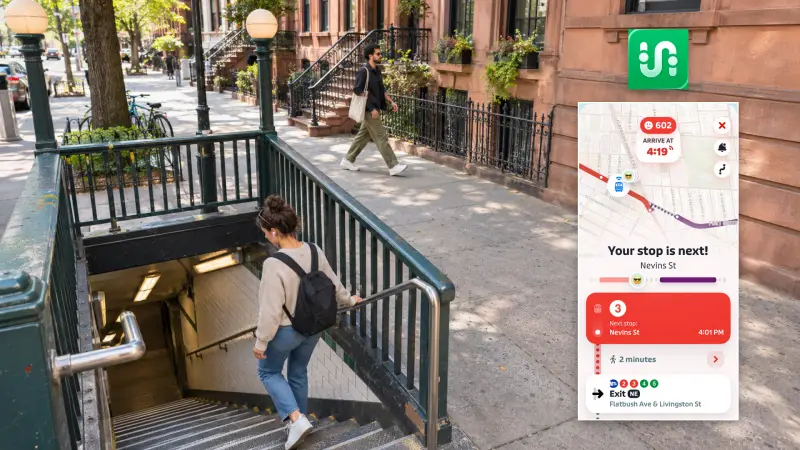
Transit is useful when your city visit involves several bus, subway or local rail journeys. It brings nearby departures and trip planning together, while its GO feature guides you through the journey and prompts you when it is time to get off.
Start with the free version. Core journey planning and nearby departures remain available; the paid Royale tier expands access to features such as information for lines farther away. Some transit agencies provide Royale access to their riders.
Open Transit while connected before heading underground. It can retain schedules and route information for offline use, but live arrivals and disruption alerts need a connection.
Ticketing depends on the local agency. Finding a route in Transit does not establish that you can pay for that journey in the same app. Follow the agency's fare instructions, whether those involve contactless payment, a ticket machine or a separate service.
Google Maps may be enough for an occasional journey. Transit earns its place when departure information and stop-by-stop guidance will be part of each day's travel. Longer journeys between cities need a separate transport decision; compare trains, buses and driving in our guide to getting around the USA.
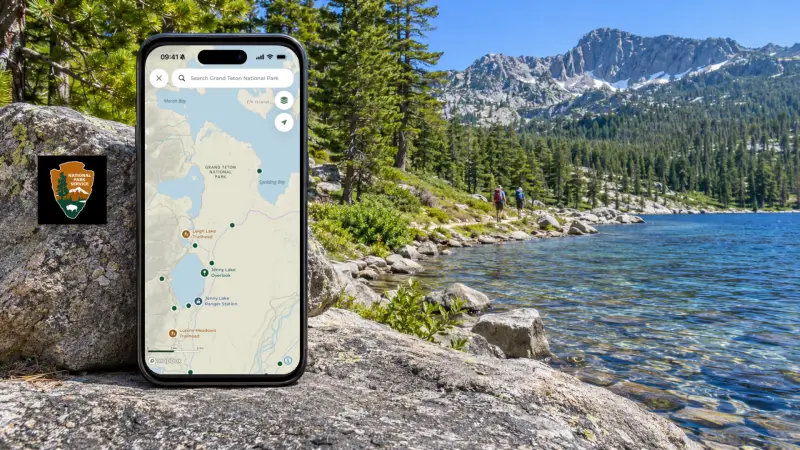
The free National Park Service app combines park maps, self-guided tours, facilities and accessibility information. Its most useful preparation feature is the ability to download an entire park's content.
Save each park on your itinerary while you have a good connection. That gives you a reference for roads, trails, visitor facilities and things to do when reception drops. Downloading one park does not save every other stop on a western road trip.
Refresh the content before leaving for the park so you are carrying a recent version.
Use Recreation.gov for the campsites, tours, permits and other reservable experiences listed on the service. It handles the booking side of a trip, while the NPS app helps you explore the park.
Most reservations require an account. Create it before a booking window opens, especially if a particular campsite or activity determines the rest of your itinerary.
Booking windows, fees and cancellation terms are set for the individual facility or activity. Read what your reservation covers, complete any separate admission arrangements, and save the confirmation and arrival instructions. You can make arrangements through the website before travelling and use the app to manage them on the road.
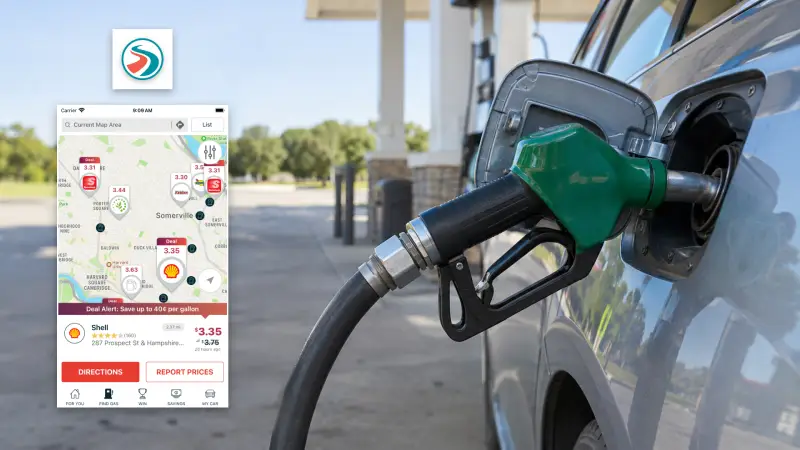
GasBuddy is worth adding when you are renting a car and buying fuel. Search by location, city or ZIP code, then compare the fuel grade your vehicle needs.
Pay attention to cash versus credit-card pricing. Some U.S. stations charge different amounts, and GasBuddy lets you switch between those prices where available. The lower cash price is a poor comparison if you intend to pay by credit card.
Prices are reported by users, so use them to choose a promising stop and verify the amount at the pump. You can search prices without enrolling in GasBuddy's separate payment-card or rewards products. If the app is unavailable in your home store, its website also offers fuel-price searches.
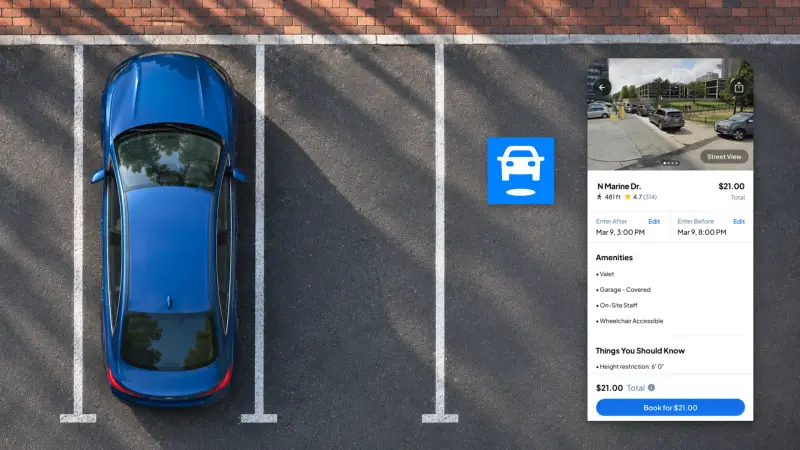
SpotHero is useful for booking participating garages and parking lots in cities such as Chicago, New York and San Francisco. Enter your intended arrival and departure times, compare locations, and prepay for the parking reservation.
Read the vehicle-size limits, any oversize charges and the rules on leaving and returning. Many locations do not include repeated entry during one booking. Those details matter when your rental car is larger than expected or you plan to drive out for dinner.
Guest checkout is available, and the parking pass arrives by email. Save it and follow the garage's instructions, which may involve a QR code, an attendant or your licence plate.
Fuel and parking belong in the same calculation as the rental itself. Our breakdown of USA trip costs helps put individual app prices into a wider travel budget.
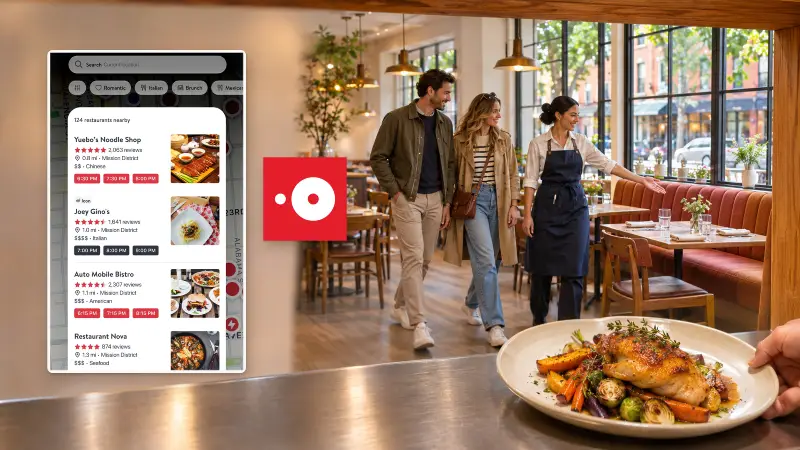
OpenTable is useful when a particular restaurant or dinner time matters to your trip. Search your dates, location and party size to see bookable tables, then manage changes through the app or your confirmation.
Its advantage over a general restaurant search is the ability to act on availability. If your preferred time is full, looking at nearby dates or earlier and later sittings can be more productive than repeatedly searching the restaurant's name.
Some restaurants require card details to secure a booking and apply their own cancellation conditions. Read those terms before confirming, particularly when reserving around a flight, show or long drive. Cancel through the reservation service or restaurant if your plans change.
Keep the table booking and the final meal bill separate in your planning. Our guide to paying by card in the USA covers the wider questions of cards, cash and tipping.
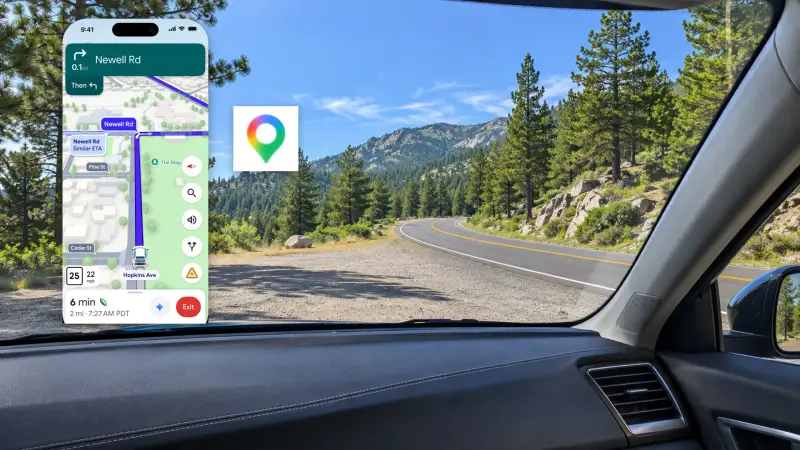
Google Maps is a useful general map for both Android and iPhone users. Save your accommodation, airport and planned stops, then download the areas covering your drive.
Make the downloaded area large enough for the whole route. Saving downtown Los Angeles alone will not cover a drive into the desert. Longer journeys may need several downloads.
Google Maps' offline navigation supports driving, with limits: walking, cycling and public-transport directions are unavailable offline, along with live traffic and alternative driving routes. That distinction matters if you expect a downloaded city map to guide every subway transfer.
Apple Maps offers a useful alternative on iPhones running iOS 17 or later. In supported areas, its offline maps include directions for walking, cycling, driving and public transport. Download the relevant area in advance; offline information cannot reflect a newly developing delay.
Use the app whose offline functions match your plans. You do not need both simply because you are visiting the United States.
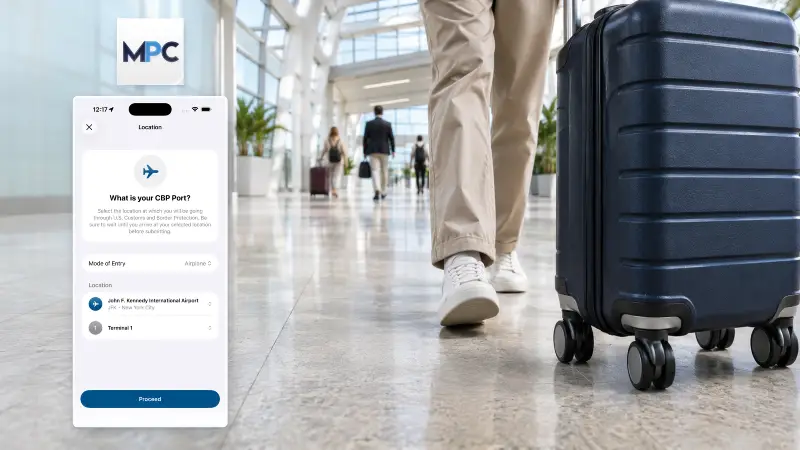
Mobile Passport Control, or MPC, is a free U.S. Customs and Border Protection app for eligible arrivals at participating entry locations.
Eligibility includes U.S. citizens, lawful permanent residents, certain Canadian visitors, and returning Visa Waiver Program travellers with an approved ESTA. The word returning matters: this is not a general arrival shortcut for everyone making their first ESTA trip. Holding a tourist visa alone does not establish eligibility either.
Eligible travellers can prepare their profile before travelling, then follow the app's instructions for submitting arrival information and completing inspection. Keep your physical passport with you.
MPC handles part of the arrival process; your underlying USA entry requirements, including the appropriate visa or ESTA where required, still apply.
The app also asks declaration questions. Review USA customs rules before packing food, gifts or other items you will bring into the country.
Do these preparations while you still have time to resolve a login or payment problem:
Install your selected apps from their official publishers in your usual app store.
Complete account verification and keep access to the phone number used for sign-in codes.
Add the payment method you intend to use, with its real billing address and postal code.
Save map downloads, park information and booking confirmations on the phone you will carry.
Venmo is not a sensible account to open solely for a holiday: its requirements include U.S. residency and a U.S. mobile number. Start with the cards and supported payment services you already use.
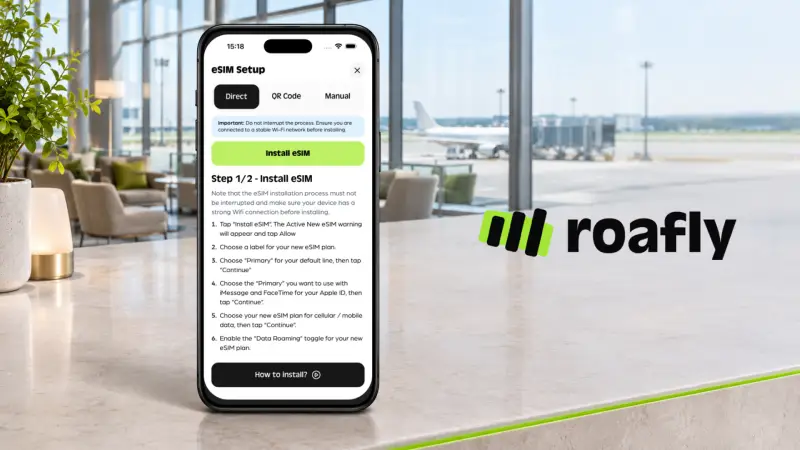
Set up mobile data around the live tasks you expect to perform. Roafly's USA eSIM provides data for ride requests, live departures and reservation access on a compatible phone. The Roafly app lets you track your remaining allowance and manage your eSIM.
The plan is data-only, so retain access to your existing number for SMS verification. If you are still deciding between home roaming, a local SIM and a travel eSIM, compare the internet options for the USA against both the city and driving portions of your route.
