Download the App and manage your eSIMs easily
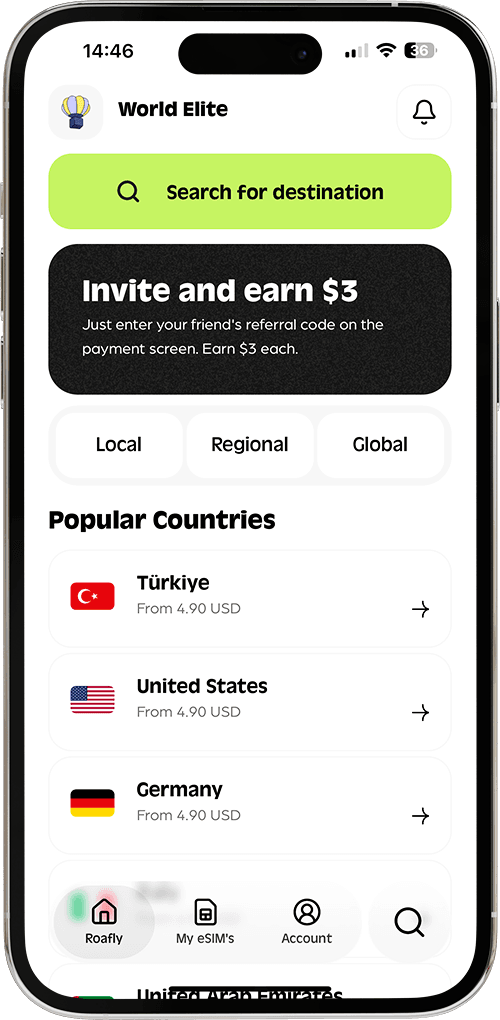
Create your order quickly
See your eSIM details
Track your remaining data
Download the App and manage your eSIMs easily
Create your order quickly
See your eSIM details
Track your remaining data
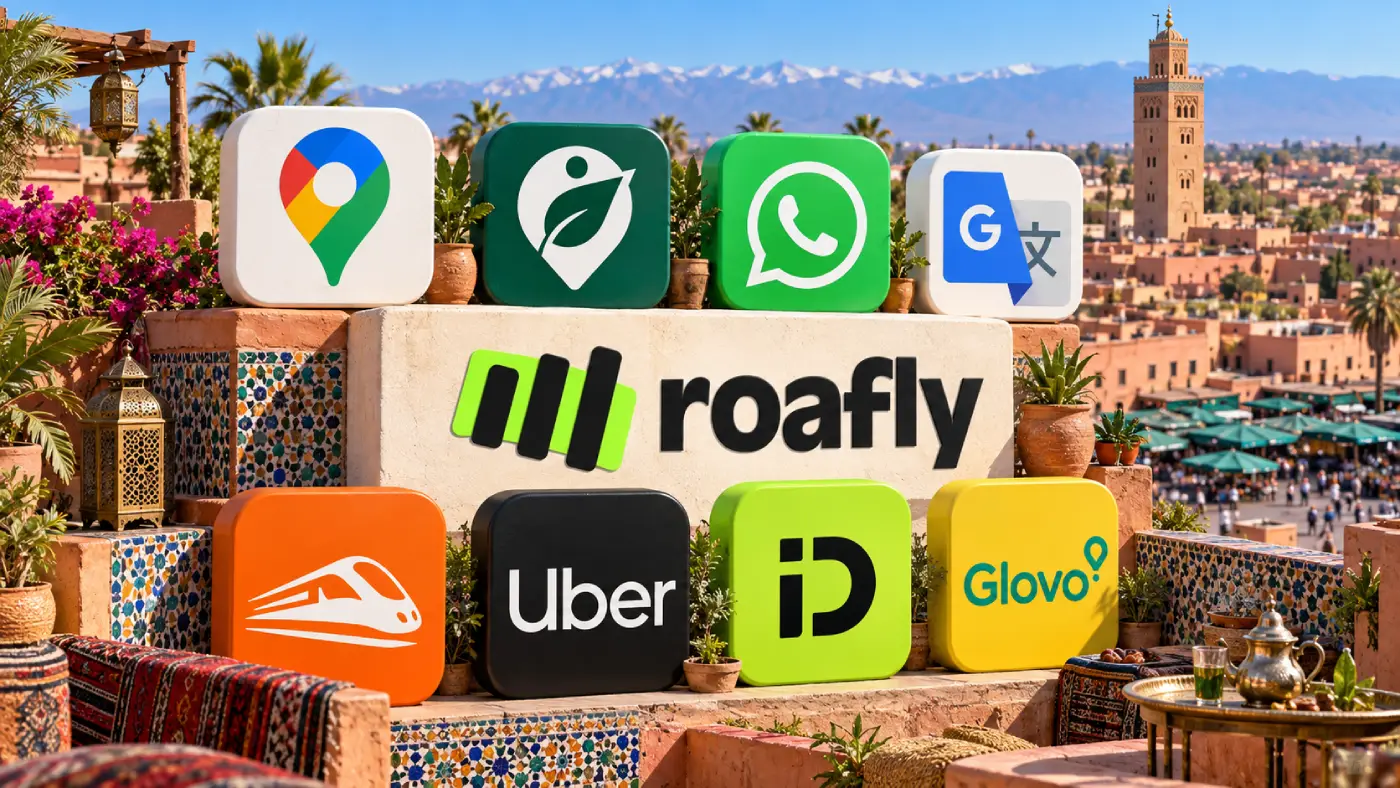
Finding your riad in Marrakech, booking a train to Fez and arranging a pickup are the jobs your phone needs to handle in Morocco. Start with Google Maps, WhatsApp and Google Translate, then add the apps that fit your route.

Ethan Brooks
Updated Oct 15, 2026
9 min read
Save 15% on your Roafly eSIM
Stay connected on your next trip. Use the code below at checkout.
View All DestinationsJump to section
👇Save 15% on your Roafly eSIM
Stay connected on your next trip. Use the code below at checkout.
View All Destinations
Manage your eSIM in the app
Install, top up and track data.
Roafly helps you arrange mobile data before departure. Organic Maps adds offline walking navigation, ONCF Voyages handles train bookings, and Uber or inDrive can help with city journeys. Glovo is an optional extra for food and groceries.
The useful distinction is between apps you can prepare once and services that need a live connection, an available driver or a successful payment. Downloading everything at the airport leaves those setup steps until you need them most.
| App | Main use | Most useful when… |
|---|---|---|
| Roafly | Buying and managing travel eSIM data | You want mobile internet on an unlocked, eSIM-compatible phone |
| Google Maps | Finding places, saving locations and planning routes | You are moving between stations, accommodation and attractions |
| Organic Maps | Offline maps and walking directions | You want navigation available without mobile data |
| Messages, location sharing and coordination | Your accommodation, driver or tour organiser uses it | |
| Google Translate | Translating text, signs and short conversations | You need help with French or Arabic |
| ONCF Voyages | Train and Supratours coach bookings | Your itinerary includes travel on these services |
| Uber | Requesting rides through a familiar app | Trips are available for your pickup point and destination |
| inDrive | Comparing driver offers and agreeing a fare | You want another city transport option |
| Glovo | Food and grocery delivery | Your accommodation is within a delivery area |
These apps have iOS and Android versions. Download the ones you need before travelling so app-store availability, device requirements and account verification are settled in advance.
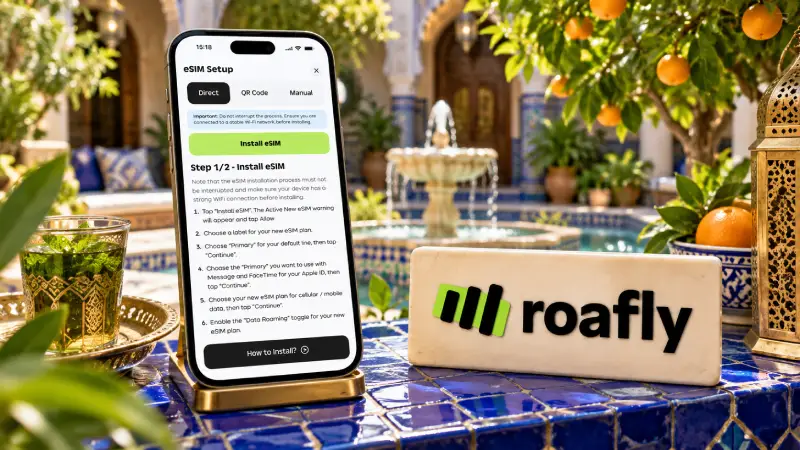
Roafly lets you buy and manage a Morocco eSIM from your phone. Mobile data is useful for requesting a ride outside the terminal, opening a booking or sending your arrival time to your riad.
The app brings your purchased eSIMs, remaining data and available top-ups together. Install your eSIM while you have a reliable internet connection, following the instructions for your device.
Morocco plans are data-only: they provide internet access without a local telephone number or ordinary calls and SMS. Keep access to the number used for your other app accounts, especially if a service asks you to verify a login by text message. Your existing WhatsApp account can use the eSIM’s data connection.
If you are still choosing a provider, compare eSIM options for Morocco before selecting your allowance and validity.
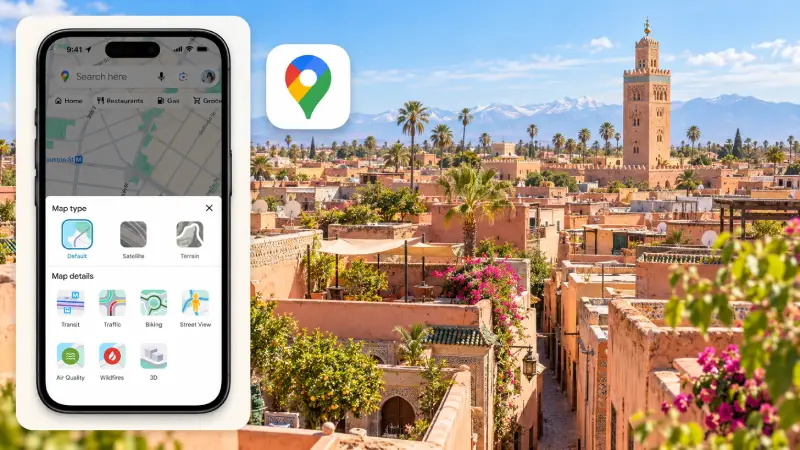
Google Maps is useful for finding railway stations, restaurants, attractions and accommodation. Save your first night’s address and important transport locations before departure.
For a riad stay in Marrakech or Fez, ask the property to send its exact entrance location and recommended arrival instructions. Save both the accommodation pin and any separate vehicle meeting point. Having the building marked on a map is only part of arranging a straightforward arrival.
Google Maps’ offline mode does not provide walking directions. Downloaded areas remain useful for viewing the map and certain driving functions, but offline public-transport, cycling and walking directions are unavailable.
Organic Maps fills that gap. It provides offline walking navigation using downloaded maps, works without an account and is free to use. Download the relevant areas while connected to Wi-Fi, then save your accommodation and other important places.
Treat either map as a navigation aid. Follow your accommodation’s access instructions if the suggested route leads to an unsuitable entrance or passage.
Keeping those directions handy also reduces your dependence on unsolicited help. Before accepting an offer to lead you somewhere, familiarise yourself with common tourist scams in Morocco, including fake-guide approaches.
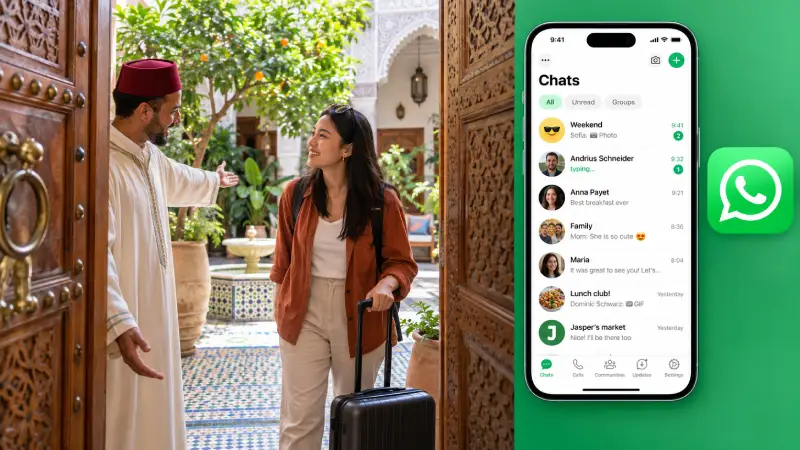
WhatsApp is useful when your accommodation, transfer driver or tour organiser offers it as a contact method. You can exchange arrival details, send a location pin and keep meeting instructions in the same conversation.
Save the contact provided through your confirmed booking before you leave. Ask for the pickup point in writing, especially if you are meeting outside an airport, station or medina entrance. Download any important photographs or instructions so you can find them again without relying on a live connection.
Changing the SIM or eSIM used for mobile data does not require changing your WhatsApp number. Keep the account you normally use so your contacts and booking conversations remain together.
Questions about messaging, voice calls and connection problems are covered separately in our guide to using WhatsApp in Morocco.
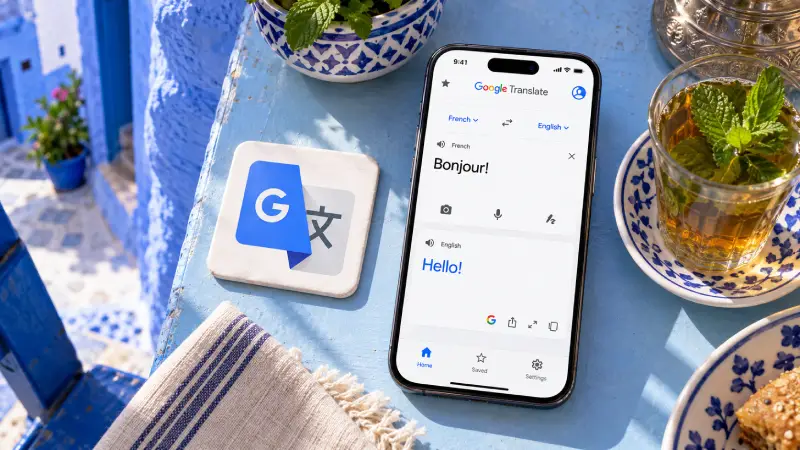
Google Translate helps with menus, signs and short exchanges when you do not share a language. Camera translation is especially useful for printed text, while typed phrases can make a simple request easier to understand.
Download French, Arabic and your own language for offline use where the download option is available. Test a short translation with mobile data switched off before departure. Offline language packs do not make every feature available without internet.
Keep your wording short and specific. “Where is the entrance?” is easier to translate clearly than a long explanation of how you became lost.
Moroccan Darija differs from standard Arabic, so an Arabic translation should be treated as a practical aid rather than an exact rendering of every local expression. Proper names, addresses and booking references are usually better shown in their original form.
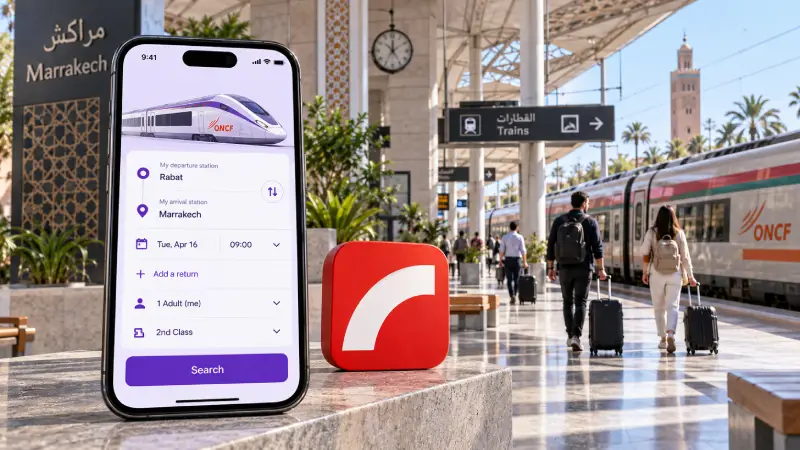
ONCF Voyages is the railway operator’s app for planning, booking and managing train journeys and Supratours coach travel. It covers services including Al Boraq, Al Atlas and TNR, with an interface available in English, French and Arabic.
Download ONCF Voyages and look for ONCF as the developer; the official Android listing helps distinguish it from similarly named travel apps. An iPhone version is also available.
Set up your account before you need to buy a ticket. During booking, pay attention to the exact stations, departure date, class and passenger details. Keep your bank’s payment-verification method accessible if checkout requires approval.
Once the booking is complete, download the issued e-ticket to your phone. Make sure you can open it independently of an active app session, and keep the ticket details readable for inspection.
If the app or card payment fails, use the official ONCF Voyages website or a station ticket office as a fallback. Card acceptance can depend on the card and issuer; avoid building a tight connection around a booking you have not yet completed.
Uber and inDrive offer different ways to arrange a ride. Compare the available journey, pickup point and payment method before deciding which to use.
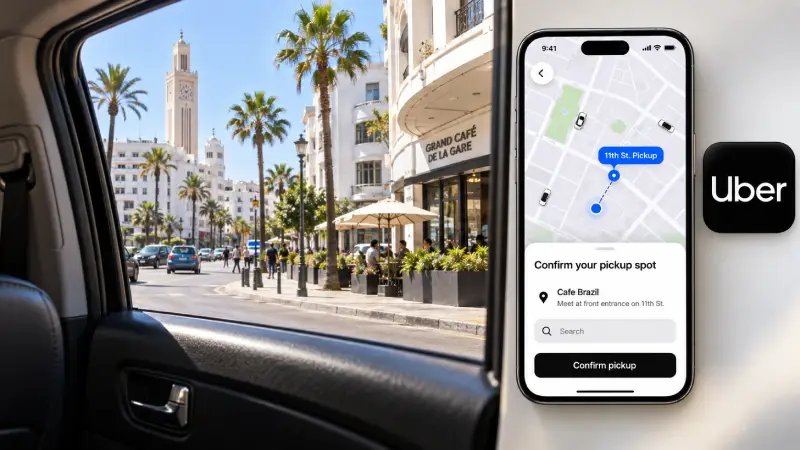
Uber operates in Morocco again. Its Morocco relaunch began in November 2025 with licensed transportation vehicles in Marrakech and Casablanca. Advice that Uber is simply unavailable throughout the country is outdated.
Use your existing account if you already have one, and enter the actual pickup point and destination to see the available options. Coverage and vehicle availability are trip-specific, so a city’s inclusion in a travel guide is less useful than the options shown for your journey.
Add your payment method before travelling and make sure the card can be used internationally. At airports and busy locations, follow the pickup instructions shown for the confirmed ride.
inDrive lets you enter a route, propose a fare and choose from driver responses. The offered price is a starting point: review the response you accept and the driver’s details before confirming.
Its Marrakech service supports cash payment. Have Moroccan dirhams available for a cash trip, and use the payment option displayed for your booking rather than assuming a saved card will cover it.
Registration involves phone verification, so complete that step while you can receive the code. Before entering the vehicle, match the driver and vehicle details to the booking.
Neither app removes the need to plan your payment. Our guide to cash and card payments in Morocco explains how to prepare for trips and purchases that still require cash.
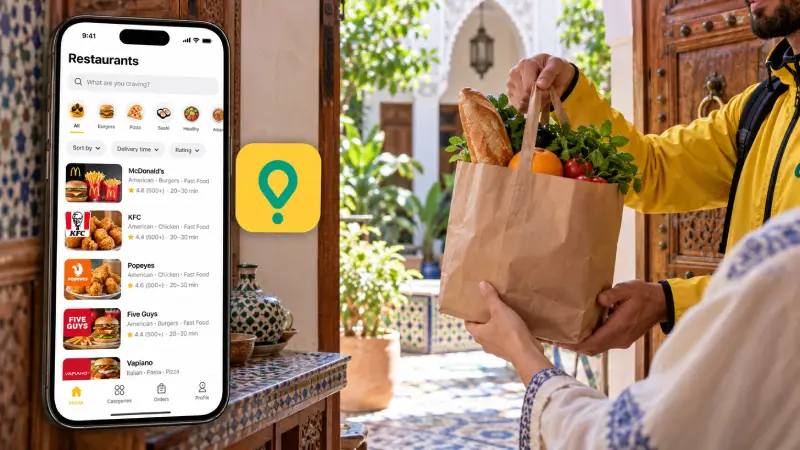
Glovo is useful for a quiet evening at your accommodation or a grocery order when you would rather stay in. Delivery is available in Moroccan cities including Marrakech, with the actual choice of shops and restaurants determined by your address.
Enter your accommodation location before browsing. If you are staying in a riad, ask where deliveries should meet you and add clear instructions. An easily recognised entrance or agreed meeting point can make the handover simpler.
Review the full checkout total, including delivery and any other displayed charges. Payment options vary by location and order; use the methods offered in the app, and have local currency ready if you select cash.
Glovo is an extra rather than a necessary download. Install it if delivery fits your plans, or use its website when you only need an occasional order.
Spend a few minutes setting up the apps you will use on your first day:
Sign in and complete phone verification. Prioritise ride apps and any booking service you expect to use immediately.
Save your arrival details. Keep your accommodation address, entrance pin and agreed pickup instructions together.
Download maps and languages. Test offline walking navigation and a short translation without mobile data.
Save issued tickets. Keep an accessible copy of each e-ticket, along with the booking reference.
Prepare payment access. Have your bank’s verification method available and enough dirhams for any planned cash payments.
Arrange your connection. Compare the internet options in Morocco if you have not decided between an eSIM, local SIM, roaming and Wi-Fi.
Your first day needs only a working connection, a usable map and a way to contact the people expecting you. Add rail, ride and delivery apps according to the journeys you actually plan to make.
App availability and key features checked on 15 October 2026.
