Download the App and manage your eSIMs easily
Create your order quickly
See your eSIM details
Track your remaining data
Download the App and manage your eSIMs easily
Create your order quickly
See your eSIM details
Track your remaining data
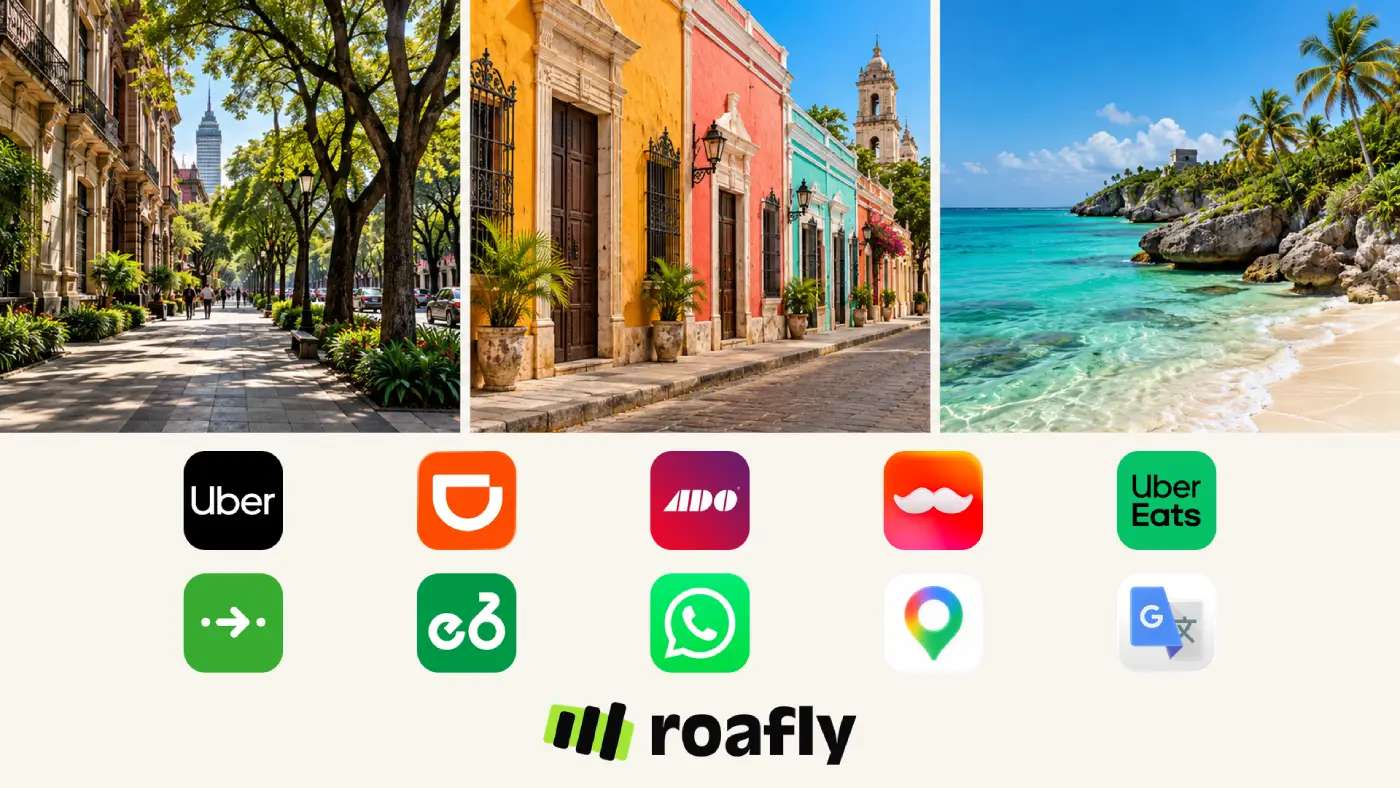
Mexico City sightseeing, an ADO bus journey to Oaxaca and a week at a Riviera Maya resort call for different apps.

Sophie Callahan
Updated Oct 21, 2026
9 min read
Save 15% on your Roafly eSIM
Stay connected on your next trip. Use the code below at checkout.
View All DestinationsJump to section
👇Save 15% on your Roafly eSIM
Stay connected on your next trip. Use the code below at checkout.
View All Destinations
Manage your eSIM in the app
Install, top up and track data.
Citymapper earns its place when you are navigating Metro and Metrobús connections. Rappi becomes useful when you want dinner or groceries delivered to an apartment. ADO matters when your itinerary includes routes it serves.
Start with the journeys and bookings you actually have. Get your accounts working before departure, then add the tools that suit your trip.
| Your trip | Apps worth preparing | What to sort out first |
|---|---|---|
| Mexico City sightseeing | Uber, Citymapper; ECOBICI if you plan to cycle | Ride payment method, transit routes and any bike membership |
| Independent travel between cities | ADO, WhatsApp, Google Maps | Exact terminals, saved tickets and accommodation contacts |
| Apartment or longer city stay | Rappi or Uber Eats | Delivery address, payment method and building access |
| Resort holiday | WhatsApp, your chosen transport app and mobile data | Transfer meeting point and the resort’s contact details |

Uber is a practical starting point for city rides, especially if you already have an account. DiDi provides another option in cities it serves, including Mexico City, Guadalajara and Mérida. Comparing the fare and estimated pickup time in both can help you decide which journey to book.
DiDi is worth setting up before you need it. Its passenger registration guidance requires SMS verification, followed by account and payment details. Complete that process with your own number before relying on the app abroad. If verification fails, keep an already working ride account or another transport option available.
Prices vary with demand, so neither app should be treated as permanently cheaper. Before confirming, review the pickup pin, vehicle category and payment method. Match the arriving car and licence plate to the booking.
Plan airport pickups separately. Service within a city does not establish where a driver can collect you at its airport. Read the current pickup instructions for your terminal, follow airport directions and keep your hotel transfer or an official airport transport option available if the arrangement is unclear.
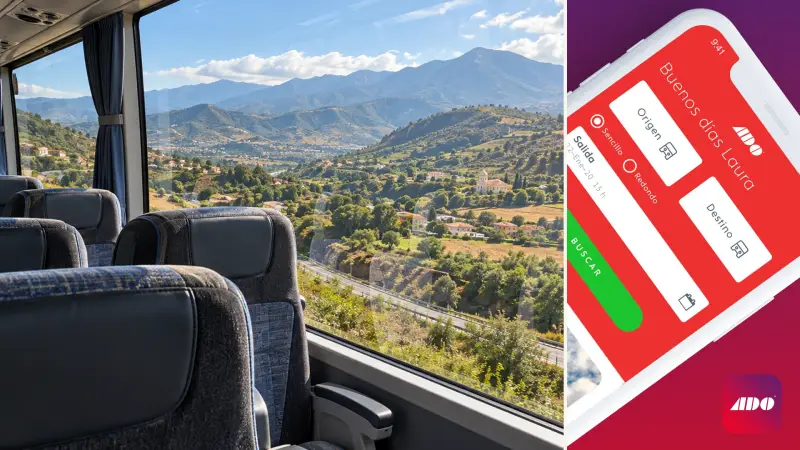
ADO Móvil is especially useful for trips through central, southern and eastern Mexico. Relevant routes include Mexico City–Oaxaca, Cancún–Mérida and journeys around the Yucatán Peninsula. The app lets you search departures, compare services and manage tickets.
Search by the precise departure and arrival terminal. “Cancún” and “Cancún Airport” represent different starting points, and a city terminal may still leave you with a substantial journey to your accommodation.
If you are deciding where to land for a beach holiday, work through choosing between Cancún and Tulum airports before buying the connecting bus ticket.
ADO Móvil is available for iPhone and Android, while the ADO booking website is useful if you only need one journey. Review the payment methods offered at checkout; acceptance of a particular foreign card can depend on the transaction and issuing bank.
Once booked, save the ticket where you can open it without mobile data. Keep the booking reference and exact terminal address alongside it. If a payment appears on your bank account but no ticket arrives, check your email and booking history before paying again.
ADO covers its participating services rather than every bus company in Mexico. Our guide to getting around Mexico helps you compare buses with other transport options when planning the wider route.
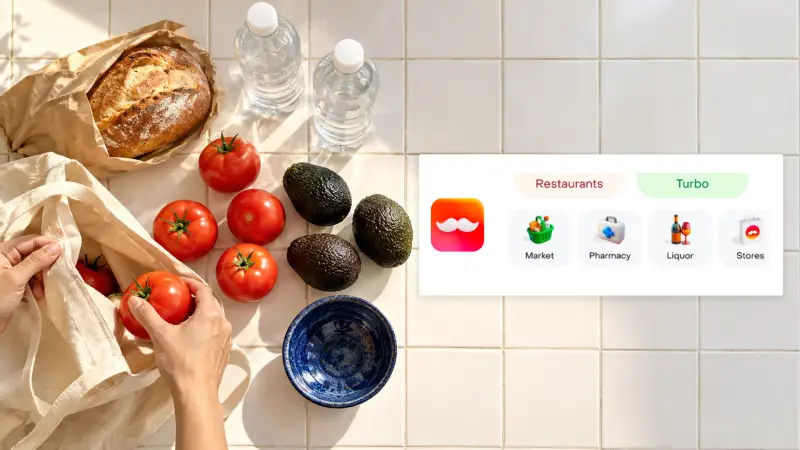
Rappi is useful when your accommodation becomes part of daily life: breakfast supplies for an apartment, dinner after a late arrival or groceries during a longer stay. Its Mexican service includes restaurant, supermarket and pharmacy deliveries, with availability determined by your address.
Uber Eats is another option for food delivery. If you already use it, enter your Mexican accommodation address and look at the available restaurants before adding another app. There is little reason to maintain several delivery accounts for a short stay unless the selection or total cost differs enough to matter.
Set the delivery location carefully. Include the building name, entrance and apartment number where relevant. Ask reception how deliveries are handled, particularly at hotels and gated properties.
Review the complete checkout amount, including delivery and service charges, before ordering. Rappi requires an account and payment verification; foreign visitors should establish that their chosen number and payment method work before depending on it for an arrival meal.
Delivery apps are optional for an all-inclusive resort stay. If your meals are covered and outside couriers cannot reach your accommodation, downloading one may add little. Keep your broader payment arrangements simple with our guide to paying by cash or card in Mexico.
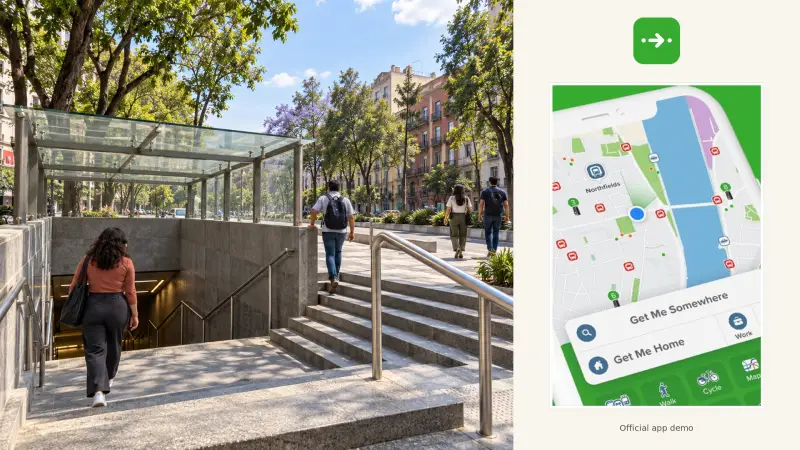
Citymapper earns a place on your phone if you expect to use Mexico City’s public transport regularly. It brings Metro, Metrobús, buses and walking connections into one route search, helping you compare an entire journey with a car ride.
Google Maps remains useful for finding places. Citymapper adds value when the question becomes which combination of transport gets you there, where to change and how much walking is involved. Keep the route open before entering a station, and follow local signs and service announcements if they differ from the app.
Route planning and fare payment are separate tasks. Finding a journey in Citymapper does not itself give you a ticket.
ECOBICI is the additional download for visitors who intend to cycle. Its app shows nearby stations and available bikes, helps unlock a bicycle and confirms a successful return. Look for an available return dock near your destination before setting off.
Registration requires identification and a suitable payment method. ECOBICI accepts documents including a passport, and its card-based registration supports Visa and Mastercard.
Use the ECOBICI membership options to select the plan applicable to you. The service distinguishes foreign-visitor pricing from resident pricing, so a cheap resident rate should not be used as your tourist budget.
Also read the included ride duration. Short-term memberships are designed around repeated short journeys; keeping one bike for an extended outing can generate additional charges. Finish each trip by docking securely and waiting for the return confirmation.
WhatsApp is useful for keeping practical travel conversations together. Where your hotel, tour company or transfer provider offers it, use the chat to retain meeting points, arrival instructions and booking references.
Mexican travel businesses including ADO and Grupo Xcaret offer WhatsApp support. Save the contact through the business’s official website or your confirmed reservation, so you know which conversation belongs to the company you booked.
Before a pickup, ask for a precise meeting point. Save both the written location and any map pin: “outside the hotel” can be ambiguous when a property has several entrances.
Keep payment requests separate from ordinary coordination. An unexpected message asking you to pay again or send money to a different account deserves verification through your original booking channel. Our guide to common tourist scams in Mexico covers warning signs and practical responses.
WhatsApp can continue using your existing registered number while its internet connection comes from Wi-Fi or a travel eSIM. Avoid changing that number simply because you have changed your mobile-data connection.
Google Maps is a useful general map for this trip. The preparation that matters is saving the right places: your accommodation entrance, the exact bus terminal, the tour meeting point and the airport terminal you will use.
Download the areas covering your planned journeys before leaving Wi-Fi. Include the route between destinations, rather than saving only a small square around each hotel.
Offline maps have limits. Google Maps does not provide walking, cycling or public-transport directions while offline. Offline driving directions also lack live traffic and alternative-route information. Save a screenshot of any important station exit or final walking section while connected.
Pay particular attention to similarly named locations. A hotel brand may have several properties, and an airport, town centre and beach hotel zone can be separate destinations. Match the map result to the address on your booking.
Google Translate is sufficient for everyday Spanish assistance. Download Spanish and your own language, where offline downloads are available, before the trip.
Camera translation is useful for menus, signs and written instructions. Typed text works well when you want to show a short question at a ticket counter or explain which address you are trying to reach.
Keep questions specific: “Does this bus stop at this terminal?” is more useful than asking for a translation of a long explanation. Showing the destination name or booking alongside the translated sentence helps preserve the detail that matters.
Offline language downloads support basic translation, but feature availability can differ by device and language. Try a short translation without a connection before departure so you know what will remain available.
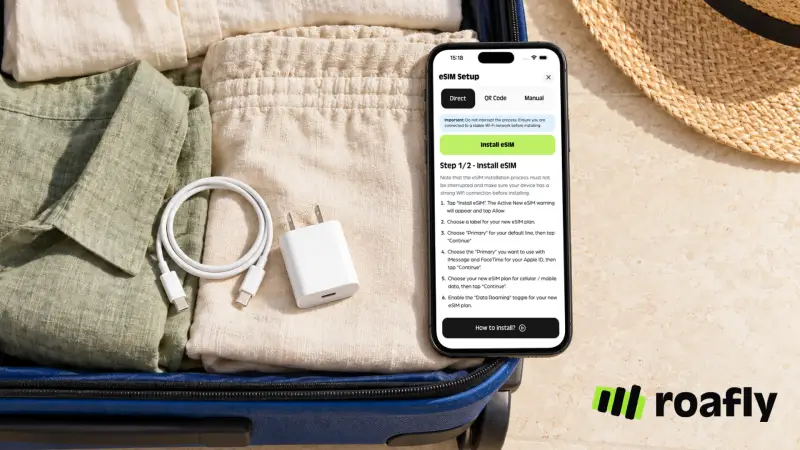
Roafly’s app lets you manage your eSIM, view its details and track remaining data. Preparing a Mexico eSIM before departure gives you a mobile-data option for requesting rides, opening bookings and contacting businesses away from Wi-Fi.
Roafly’s Mexico plans are data-only. They do not supply a Mexican phone number or SMS verification codes. Keep access to the number attached to your travel accounts, especially if an app or bank asks you to verify a login or payment.
Before purchasing, check whether your phone will work in Mexico, including carrier-lock and eSIM compatibility. If you are still choosing a provider or allowance, compare eSIM plans for Mexico.
Use the final preparation check for the apps you have actually selected:
Sign in before departure. Complete account verification while you can receive messages on your registered number.
Add your payment method. Make sure your bank’s verification process remains accessible abroad.
Save the first journey. Keep the terminal, meeting point and accommodation address together.
Download offline material. Store tickets, useful maps and language files on the phone.
Review permissions. Enable location or notifications where they are needed for pickups, delivery updates or bike returns.
App availability, features and public registration information were checked on 20 October 2026. Service coverage, payment options and membership terms can change.
