Download the App and manage your eSIMs easily
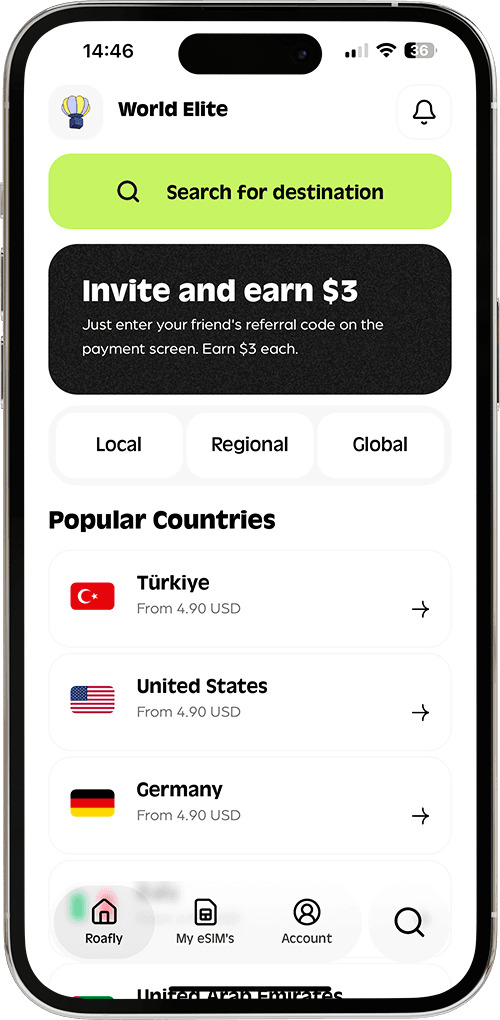
Create your order quickly
See your eSIM details
Track your remaining data
Download the App and manage your eSIMs easily
Create your order quickly
See your eSIM details
Track your remaining data
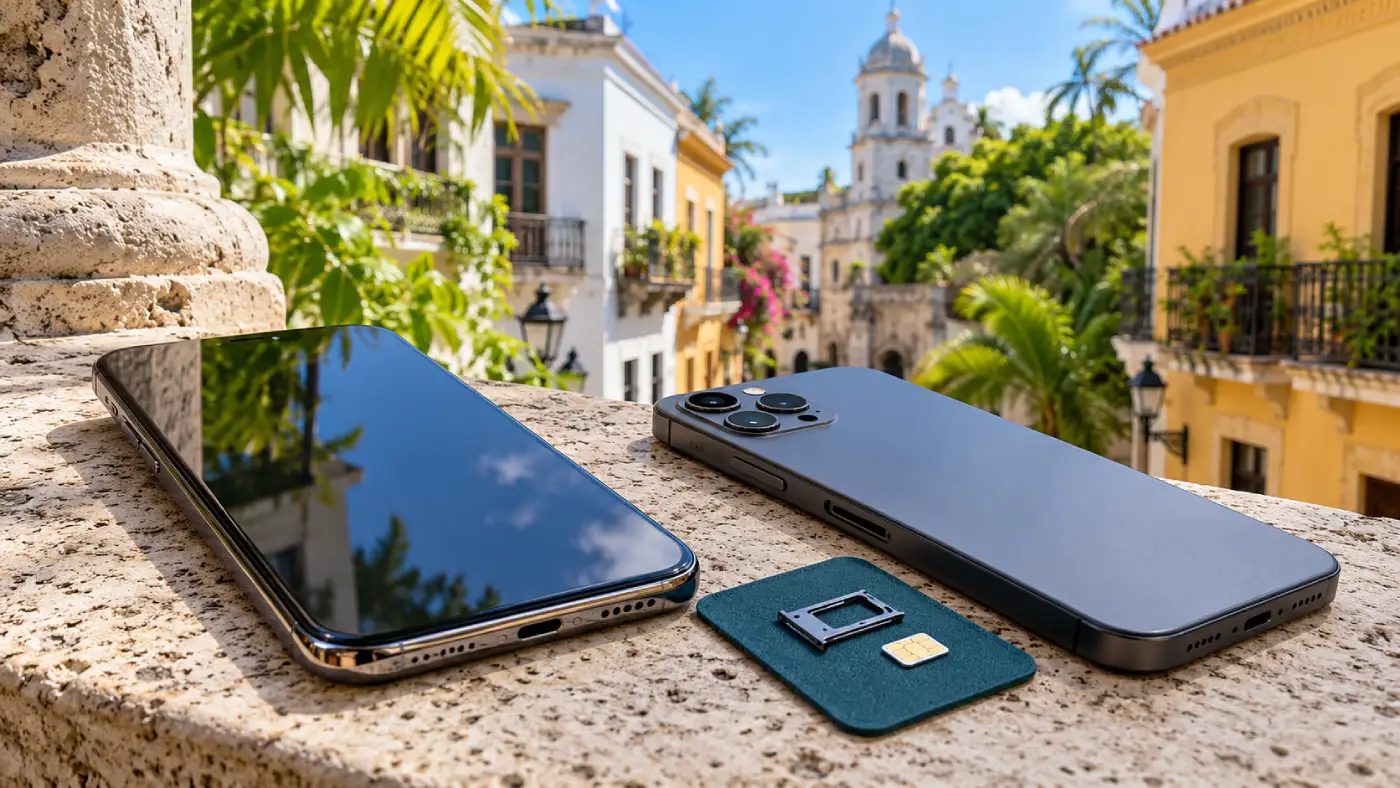
Most recent iPhones and Android phones can work in the Dominican Republic, provided the device supports the local network and you have an eligible roaming plan, local SIM or travel eSIM.

Ethan Brooks
Updated Oct 17, 2026
10 min read
Save 15% on your Roafly eSIM
Stay connected on your next trip. Use the code below at checkout.
View All DestinationsJump to section
👇Save 15% on your Roafly eSIM
Stay connected on your next trip. Use the code below at checkout.
View All Destinations
Manage your eSIM in the app
Install, top up and track data.
Before landing in Punta Cana or Santo Domingo, establish two things: whether your phone can connect and what your chosen service includes. Some AT&T plans already cover Dominican Republic usage, while other travelers need a paid roaming option or a separate SIM.
Carrier locks matter when switching providers. Your locked phone may still work through your home carrier’s roaming service, even though it cannot accept a Dominican SIM or another company’s eSIM.
| Your phone’s situation | Connection options | Main check before departure |
|---|---|---|
| Unlocked and eSIM-compatible | Home roaming, travel eSIM or an eligible local eSIM | Exact device variant and the selected plan’s requirements |
| Carrier-locked | Home-carrier roaming, if supported by your device and tariff | Roaming eligibility and whether your carrier can unlock the phone |
| Unlocked with a physical SIM slot but no eSIM | Home roaming or a compatible local physical SIM | Local network support and access to a staffed seller |
| Older handset or an imported regional model | Depends on its supported networks and available service | Exact model number, LTE support and carrier compatibility |
Start with the carrier lock, because it can rule out a separate SIM before prices or data allowances become relevant.
On an iPhone, open Settings → General → About and look for Carrier Lock or Network Provider Lock. “No SIM restrictions” indicates that the phone is unlocked. If a restriction appears, contact the carrier that supplied the phone.
Android menus vary by manufacturer and carrier. Having an “Add eSIM” option confirms that the software offers an eSIM setup route; it does not establish that the device is unlocked. Your original carrier can confirm its lock status.
Phones sold under the same model name can have different SIM configurations and supported frequency bands. Find the full model number in the device settings, then compare it with the manufacturer’s specifications.
Claro’s visitor guidance identifies 1700/2100 MHz for its LTE service. That is particularly relevant to older or imported phones: a handset supporting LTE in another country still needs compatible bands for the Dominican network you intend to use.
You can use the Roafly compatible-device list as a starting point for eSIM support. Regional exceptions should be resolved against the exact model’s manufacturer specifications.
Also inspect the SIM format. If your phone has no physical SIM tray, buying a plastic SIM after arrival will not solve the problem. You need home roaming or an eSIM service that accepts your device.
If switching SIMs is unavailable before departure, compare the remaining internet options in the Dominican Republic, including home roaming and accommodation Wi-Fi.
Your existing plan deserves attention before you buy another connection. Included roaming can make keeping your home service the most convenient choice, especially if you need ordinary phone calls and SMS.
The table below focuses on major US and Canadian carriers. Visitors from other countries can use the same device checks, but should obtain Dominican Republic roaming terms from their own provider.
| Home carrier | Dominican Republic option | What changes the decision |
|---|---|---|
| AT&T — US | Eligible Premium and Elite plans include talk, text and data in the Dominican Republic. Other eligible plans can use International Day Pass, starting at US$12 per charged day on land. | Premium 2.0, Elite 2.0 and specified legacy Premium/Elite plans have included benefits. Do not assume every AT&T unlimited plan does. |
| Verizon — US | TravelPass costs US$12 per line per 24-hour session, plus taxes and fees, in the Dominican Republic. | Each session includes 5GB of high-speed data, followed by reduced-speed data. Included international benefits or available TravelPass credits can change your cost. |
| T-Mobile — US | Qualifying Experience plans include international data: 5GB with Experience More or 15GB with Experience Beyond, followed by data at up to 256Kbps. | Ordinary calls cost US$0.50 per minute under these benefits. Essentials and other plans have different data entitlements. |
| Rogers — Canada | The Caribbean & Mexico Travel Pass includes the Dominican Republic and uses the talk, text and data from your existing plan. | Compare the pass duration and price with roaming already included in your account. The pass does not provide a separate data allowance. |
| Bell — Canada | Eligible customers can use Roam Better with home data for C$16 per charged day in international destinations including the Dominican Republic. | It uses your home-plan data, with maximum speeds for up to 5GB daily, then speeds of up to 512Kbps. Included roaming or a qualifying travel pass may change the charge. |
Carrier terms checked on 17 October 2026. Eligibility, remaining allowances, taxes and account-specific benefits affect the final bill. These options concern land-based mobile service; cruise-ship connectivity requires separate attention.
Daily charging also differs. Verizon uses a 24-hour TravelPass session. Bell’s daily allowance ends at 11:59 p.m. Eastern Time, and its international Roam Better daily fees are capped at 20 charged days per line within one billing period.
Background data can activate a roaming session without you deliberately opening an app. Decide which line will provide mobile data before turning off airplane mode.
Once the phone’s compatibility is established, choose the service around what you need: mobile data, your existing number or a Dominican number.
Roafly’s Dominican Republic eSIM provides prepaid mobile data on Claro, with 4G where available, for unlocked, eSIM-compatible devices. It does not include a Dominican phone number, ordinary voice calls or SMS. Internet-based messaging and calling use the purchased data allowance.
Roafly publishes this guide and sells travel eSIMs.
If an eSIM fits your phone, you can compare Dominican Republic eSIM plans by allowance, validity and supported network. There is little reason to purchase additional data if your home tariff already provides enough suitable roaming for the trip.
Local prepaid service is worth considering when you need a Dominican number or your phone accepts only physical SIMs. Bring your original passport to a staffed operator store or authorized seller: local prepaid lines require identity registration.
Before paying, have the seller establish that your exact handset works with the service and that the selected plan includes the calls, messages or data you need. The guide to buying a local SIM in the Dominican Republic covers the purchasing details.
Dominican mobile networks offer 5G, including Claro, but access depends on the combination of device, service and location. Your phone’s 5G capability is only one part of that combination.
Roaming agreements and travel plans may provide different network access from a local subscriber’s plan. Seeing LTE or 4G can therefore be normal for the service you purchased.
Judge the connection by whether it handles your tasks. Messaging, maps, bookings and ordinary browsing do not require a 5G indicator.
Claro serves major tourist destinations including Punta Cana, Santo Domingo, La Romana and Puerto Plata. Reception still varies within those destinations and along the routes between them. Building interiors, terrain and network demand can affect performance, so a phone working at your hotel does not establish reception throughout an excursion.
Save the maps and meeting points you will need beyond your accommodation’s Wi-Fi.
Supported dual-SIM phones can keep a home line active while a travel eSIM supplies mobile data. This is useful when you need access to your existing number, but each line retains its own service and charging rules.
Set the travel eSIM as the mobile-data line and disable automatic data switching if your phone offers that setting. Keep home-line data roaming off when you do not intend to use it. Follow the travel eSIM’s instructions for its own roaming setting, which may need to be enabled.
Turning off data roaming on your home line does not disable ordinary calls or SMS. Making or answering a call, sending a text or checking voicemail can still incur charges under your carrier’s terms.
Bank verification messages need separate consideration. Codes sent to your home number must reach that line; a data-only travel eSIM cannot receive them on its behalf. Establish whether your home service supports incoming SMS abroad and how it is charged before relying on it for account access.
If you disable the home line entirely, ordinary calls and SMS to that number will be unavailable through the cellular network. Wi-Fi Calling has its own carrier conditions and billing rules, so it should not be treated as universally free.
Signal bars with no internet and a “No Service” message point to different checks.
If the phone has signal but cannot load a webpage, start with the selected data line, remaining allowance and plan settings. If it shows no service, investigate whether the line is enabled, roaming is permitted and the device can register on a supported network.
Work through these checks while you still have Wi-Fi:
Select the correct line. Make sure mobile data is assigned to the SIM or eSIM intended for the trip.
Check the plan status. Confirm that the package is active and has remaining data.
Apply the provider’s settings. Follow its roaming and APN instructions rather than copying settings for another product.
Reconnect to the network. Toggle airplane mode, then allow the phone to register again. Use manual network selection only with a network supported by your provider.
Roafly’s eSIM setup instructions cover the installation process. If you need support afterward, include your phone’s exact model, the selected data line and the message shown on screen. Never post an eSIM activation QR code publicly.
Complete the device and tariff checks before departure, then prepare the information you will need even if connecting takes longer than expected.
Save your arrival documents. Keep required confirmations and travel details accessible offline, and review the Dominican Republic entry requirements before flying.
Store your transfer details. Download your accommodation address, pickup instructions and useful maps. The guide to getting around the Dominican Republic helps you plan the journey beyond the terminal.
Plan any SIM purchase around your arrival. If buying after landing at PUJ, review the Punta Cana Airport SIM options instead of assuming a suitable counter will be available.
Test mobile data before leaving Wi-Fi. Once your chosen service is active, switch Wi-Fi off briefly and open a webpage. Resolve any settings issue while another connection is still available.
If your existing tariff covers the trip adequately, keep using it. Otherwise, an unlocked, compatible phone gives you the flexibility to arrange travel data before departure or buy local service after arrival. The right choice follows from your exact phone, the number you need to keep reachable and the services your plan includes.
