Download the App and manage your eSIMs easily
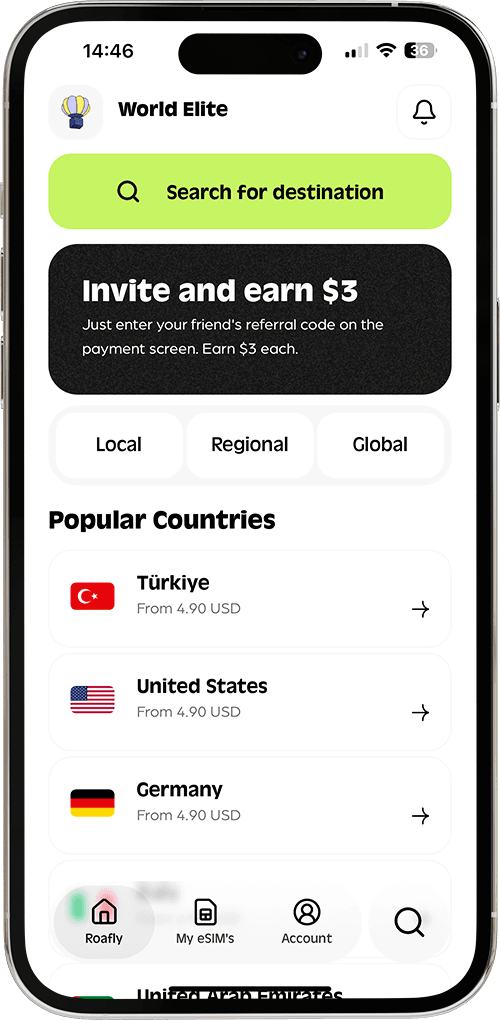
Create your order quickly
See your eSIM details
Track your remaining data
Download the App and manage your eSIMs easily
Create your order quickly
See your eSIM details
Track your remaining data
Egypt’s most useful travel apps depend on where you are going. Uber can help with journeys around Cairo, Alexandria and Hurghada, while a trip through Luxor and Aswan needs a different transport plan. GoBus becomes relevant when you travel between cities; food delivery matters more during an apartment stay than an all-inclusive resort holiday.

Sophie Callahan
Updated Oct 17, 2026
10 min read
Save 15% on your Roafly eSIM
Stay connected on your next trip. Use the code below at checkout.
View All DestinationsJump to section
👇Save 15% on your Roafly eSIM
Stay connected on your next trip. Use the code below at checkout.
View All Destinations
Manage your eSIM in the app
Install, top up and track data.
Start with Google Maps, Google Translate, WhatsApp and a mobile-data plan, then add transport and delivery apps around your itinerary. Set up accounts before departure: having internet access does not give you an Egyptian phone number or automatically solve SMS verification.
These eight apps have iOS and Android listings. Download them through your usual app-store account before departure so you can deal with any device or regional availability issues at home.
| App | Best for | Useful preparation | Main limitation |
|---|---|---|---|
| Roafly | Buying and managing travel eSIM data | Check phone compatibility and install over Wi-Fi | Data-only plans do not include a local number |
| Google Maps | Hotel locations, saved places and navigation | Download the areas on your route | Offline maps lack walking and public-transport directions |
| Uber | Rides in supported Egyptian cities | Sign in and prepare your payment method | Coverage does not extend to every tourist destination |
| Careem | Comparing another ride option | Complete phone verification | Services and ride availability vary by location |
| Google Translate | Arabic signs, menus and short exchanges | Download Arabic and your own language | Translation can miss context and colloquial meaning |
| Messages and coordination with travel contacts | Keep your existing account signed in | Voice and video calls should not be your only contact method | |
| GoBus | Intercity bus schedules, stations and reservations | Try account and payment setup before a time-critical journey | Foreign-number and foreign-card acceptance remain uncertain |
| talabat | Food and grocery delivery | Enter your accommodation address and contact number | Delivery coverage and successful checkout depend on your setup |
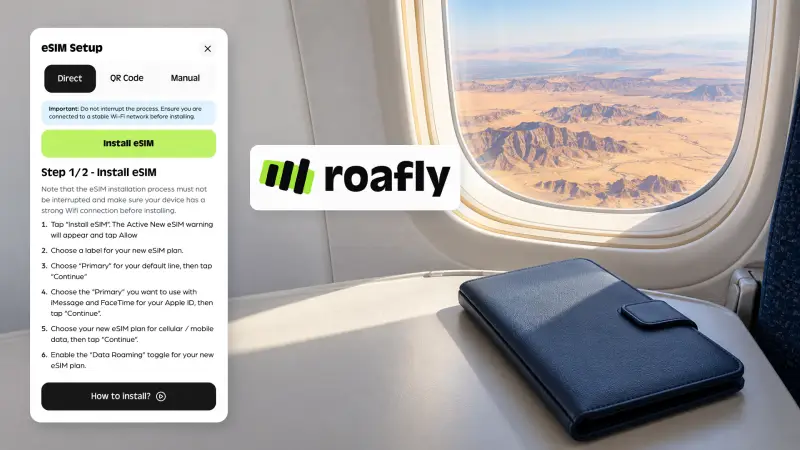
Roafly lets you buy an eSIM, access installation details, track remaining data and top up an active plan where supported. Preparing it before departure means you can open maps or request transport once your phone connects to a supported network in Egypt.
Our Egypt eSIM supports Orange, Etisalat and Vodafone, with 4G/5G access depending on location, device and network conditions. Hotspot use comes from your purchased allowance, and top-ups are available. Your phone must be carrier-unlocked and eSIM-compatible.
The important distinction is data versus a telephone number. Roafly’s Egypt plans provide internet access without a local number, traditional calls or SMS. Existing messaging accounts can use that connection, but a service asking for an Egyptian number needs a separate solution.
Keep access to the number linked to your travel accounts. On a compatible dual-SIM phone, you can use Roafly for data while retaining your regular line for verification messages; your home operator’s roaming terms still apply.
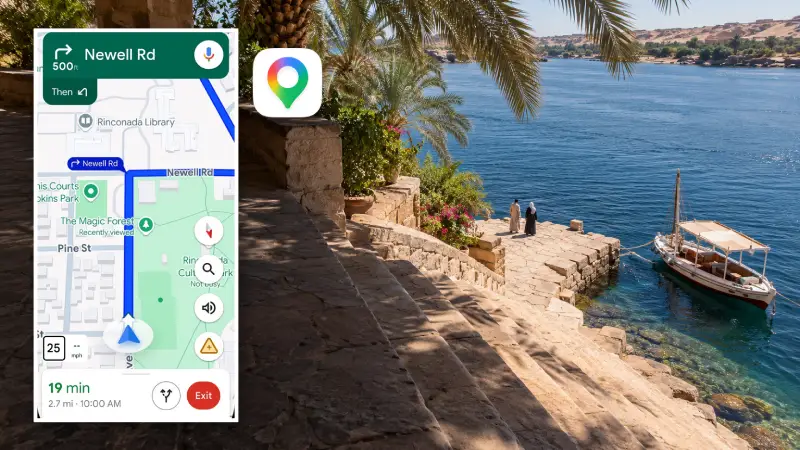
Google Maps is useful for finding your accommodation, comparing locations and keeping important stops together. Before leaving, save your hotel entrance, airport arrival point, bus departure station and any meeting locations supplied by tour operators.
Pin precision matters more than collecting dozens of attractions. In Cairo, select the entrance where you will actually meet a driver. Around Luxor, distinguish accommodation on the East Bank from properties on the West Bank. Save the station attached to your bus reservation rather than assuming every departure uses the same terminal.
Download maps for the areas on your itinerary while connected to Wi-Fi. Offline maps can display downloaded areas and support driving directions within them, but walking, cycling and public-transport directions are unavailable offline. Live traffic also needs a connection.
If you intend to rely mainly on hotel Wi-Fi, consider how you will navigate and contact transport between stops. Our guide to internet options in Egypt explains the practical differences between Wi-Fi, local SIMs and travel eSIMs.
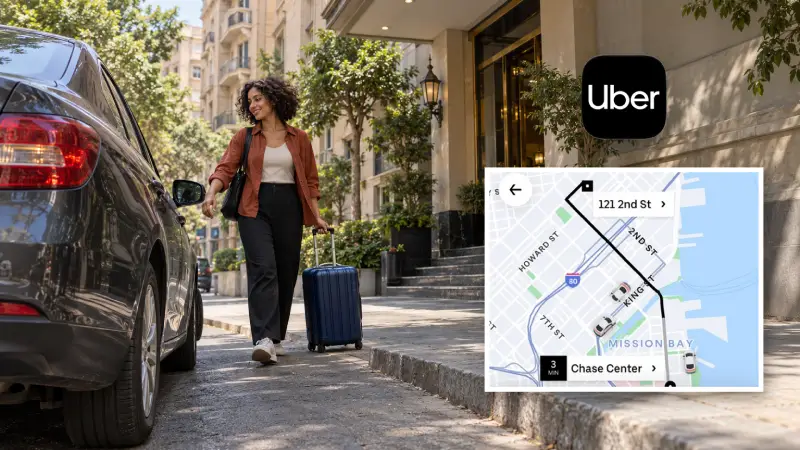
Uber is a practical first transport app for a stay in Cairo, Alexandria or Hurghada. Entering your destination before requesting a car helps you compare the available ride options and keeps the booking details together.
The official Egypt city directory also includes Damietta, Mansoura, Canal Cities, Tanta and Zagazig. Luxor, Aswan and Sharm El Sheikh are not listed, so arrange another transport option for those parts of your trip.
Prepare your account and payment method before landing. At an airport, follow the pickup instructions attached to your booking, then match the vehicle and driver details before getting in. The exact pickup point matters more than simply walking outside the terminal.
Keep payment consistent with the method selected in the app. If a driver proposes a different fare or asks you to cancel and continue privately, resolve that before the journey begins.
Uber’s usefulness also changes with the journey: a city ride, an airport transfer and a day visiting several archaeological sites are different transport decisions. Our guide to getting around Egypt covers the wider options.
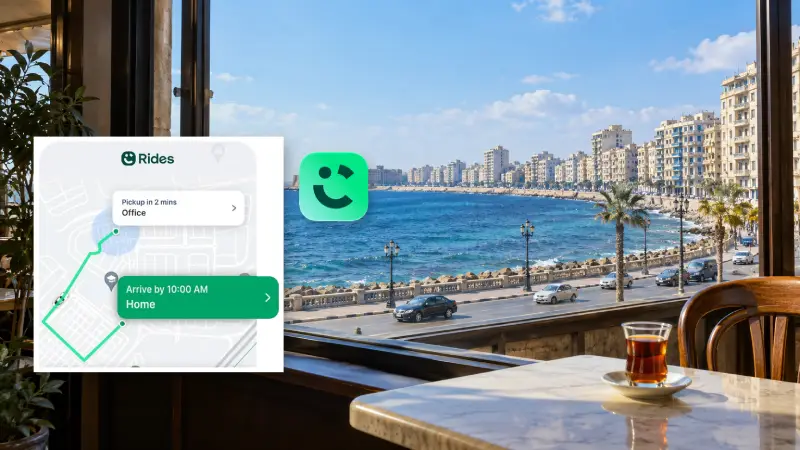
Careem gives you another way to compare the fare and pickup time offered for your journey. It is worth installing if you expect to make several city trips, particularly when your first app shows a long wait or no suitable vehicle.
Account creation requires a valid mobile number, with a verification code delivered by SMS or WhatsApp. Complete this before departure while you have straightforward access to your usual number.
Careem’s Egypt ride service supports card or cash payments. Select the method offered for your booking and keep enough Egyptian pounds available if you choose cash. Foreign-card acceptance should be tested with your own account rather than assumed.
Treat Careem primarily as a ride app for this trip. Food, wallet and other services advertised in different Careem markets should not be assumed to be available in Egypt.
If a booking turns into pressure for a different price or an unrelated stop, the advice on taxi and booking scams in Egypt can help you recognize the problem and respond.
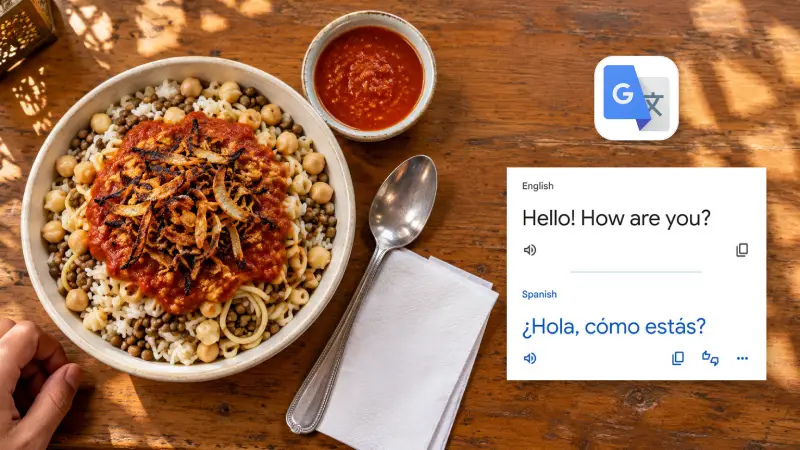
Google Translate is useful for reading Arabic text and handling short exchanges when you do not share a language. It can help with a menu, a shop label or a simple question about where to meet.
Download Arabic and your own language before departure, using the download options available on your device. Offline language files allow translation without a live connection, although feature availability varies by language and device.
Keep spoken requests short and concrete. “Please stop at this entrance” is easier to translate clearly than a long explanation containing several changes of plan. Showing a saved address alongside the translation can remove ambiguity.
Camera translation is useful for understanding the general meaning of printed text. Take extra care with anything where a small error matters, such as an allergy request, medication instruction or contractual condition. Ask the person involved to confirm the meaning.
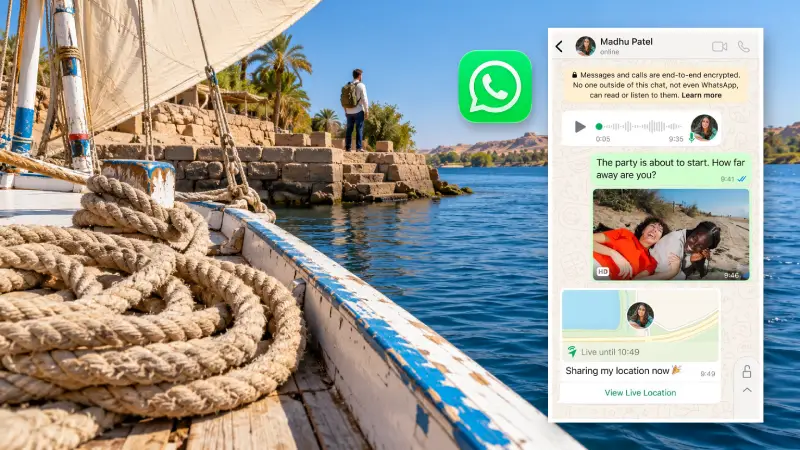
WhatsApp is useful for coordinating with accommodation, guides and transfer companies that provide it as a contact channel. Save the contact supplied with your booking, then keep the agreed pickup time, meeting point and any location pin in the same conversation.
You can keep your existing WhatsApp number while using a different SIM or eSIM for internet access. There is no need to change your WhatsApp number simply because your mobile-data connection changes.
Use messages, photos and shared locations as your main coordination tools. Voice and video calls may be unreliable on some connections in Egypt, so test them before depending on them for a time-critical pickup. Keep an alternative contact method from your booking.
Before departure, make sure WhatsApp is already working on your phone. Reinstalling it or registering again during the trip can introduce a verification step when access to your original number is less convenient.
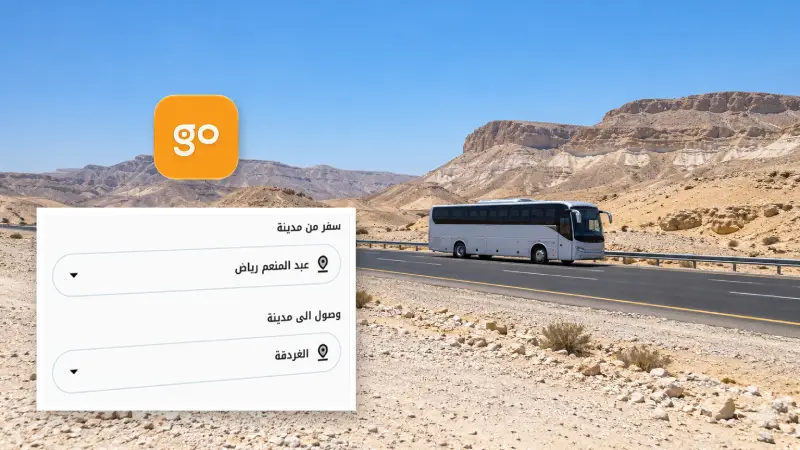
GoBus is relevant when your itinerary includes an intercity bus journey. Its app provides schedules, reservations and station locations for destinations including Alexandria, Hurghada, Sharm El Sheikh and Luxor.
Start with the actual route and travel date, then pay close attention to the departure and arrival stations. Different station choices can change the onward journey to your hotel considerably.
Treat GoBus as an optional booking tool until your account and payment setup work. Acceptance of foreign phone numbers and foreign-issued cards is not clearly established in the available official information. Try the process well before a departure that would disrupt your itinerary if missed.
The GoBus booking website provides another official route to check your journey. If registration or payment prevents booking, contact the operator or use an official sales office. After purchase, save the booking confirmation and station details somewhere you can open without a connection.
A payment notification alone is not enough to plan around: you also need a confirmed reservation for the correct journey.
talabat can be useful for ordering food or groceries during a stay in an apartment or hotel. Enter your exact address first, because the available restaurants and shops depend on where the order will be delivered.
The Egypt service supports Visa and Mastercard payments, while cash may be offered at checkout. Review the final total and available payment methods before submitting an order.
Phone setup is the main uncertainty for visitors. International-number acceptance for Egyptian orders is not clearly documented, so complete account and contact-number setup before relying on delivery. If your order requires an Egyptian number, mobile data alone will not satisfy that requirement; the guide to getting a local SIM in Egypt covers that separate decision.
For a hotel delivery, ask reception where couriers should meet you and whether outside deliveries are accepted. Add a clear entrance or meeting instruction instead of relying only on the property’s name.
Skip installing local payment apps merely because a merchant mentions them. InstaPay requires an eligible linked account or supported card and a local mobile number registered with the financial institution. Most short-stay visitors will be better served by preparing for cash and card payments in Egypt.
Spend a few minutes preparing the apps you will actually use:
Arrange connectivity. If you are still choosing a provider or allowance, compare eSIM plans for Egypt before installing your plan.
Finish account verification. Sign in to transport and messaging apps while you can easily receive codes on your regular number.
Prepare an offline folder. Save your accommodation address, confirmed tickets, pickup details and useful contact information alongside downloaded maps and language files.
Test optional services early. Bus booking and delivery are worth setting up before the moment you need them.
Match the downloads to the route. Cairo city travel benefits from ride apps; an Upper Egypt itinerary needs planned local transport; a resort stay may require very few additional apps.
App listings, published features and service information were checked on 17 October 2026. Coverage and checkout options can vary by location, account and device.
