Download the App and manage your eSIMs easily
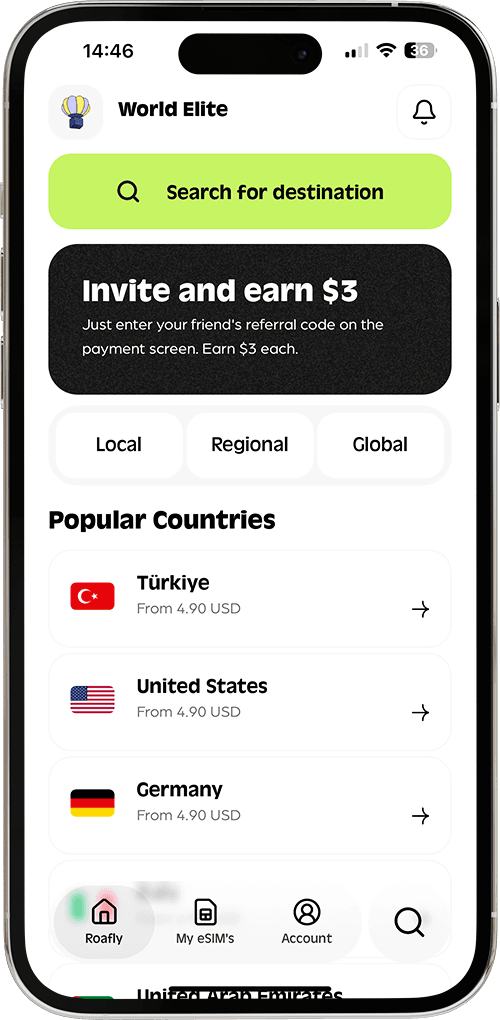
Create your order quickly
See your eSIM details
Track your remaining data
Download the App and manage your eSIMs easily
Create your order quickly
See your eSIM details
Track your remaining data
Malta is easy to navigate, but staying connected still takes a bit of planning. Whether you need Google Maps in Valletta, WhatsApp in St. Julian’s, or reliable data for a ferry day in Gozo, the best option depends on how long you are staying and how much data you expect to use.
Vodafone, GO
Instant delivery
4.50 USD From 4.05 USD

Sophie Callahan
Updated May 5, 2026
9 min read
Jump to section
👇Best for most trips
Vodafone, GO
Malta
10 GB · 30 days
Enough for maps, bookings and everyday travel.
Hotspot supported
$14.00
$12.60
MALTA10 automatically applied
$4.50From 4.05 USD
10% reader discount
For most travelers in 2026, there are five realistic ways to get internet in Malta: buying a SIM card at the airport, picking up a local prepaid SIM in town, using an eSIM, renting pocket WiFi, or relying on airport and public WiFi. Each option works, but some are clearly more convenient than others.
If you want internet as soon as you land, these are the main choices:
The biggest difference is convenience. Airport and public WiFi are useful for quick access. Physical SIM cards work well if you do not mind store visits. An eSIM is usually the smoothest option because you can set it up before the flight and connect as soon as you arrive.
Choose the perfect data plan for your trip
Exclusive Reader Bonus!
Enjoy an extra %10 OFF your first Roafly eSIM purchase as a thank you for reading.

If you want a physical SIM right after landing, Malta International Airport is the simplest place to start. Malta Airport lists an Epic outlet at the airport, and its airport shopping information says the store provides customer service, phones, network devices, and top-up cards.
That makes Epic the most straightforward airport option for travelers who want mobile data before heading into Valletta, Sliema, or St. Julian’s.
Epic’s official SIM card page lists Epic FREE SIM + €10 credit included for €10.00. Epic also lists prepaid top-up packs that can be added after activation, including a Data Pack for €6.99 every 28 days with 4GB and a Value Promo at €4.99 for the first 6 purchases, then €10.99 every 28 days, with 10GB of data.
Buying a SIM at the airport is convenient, but it is not always the cheapest way to get connected. The real advantage is speed. You land, sort out your data, and leave the terminal with working internet.
This is a good fit if:
The downside is that airport options are usually more limited than what you can find in carrier shops around Malta.
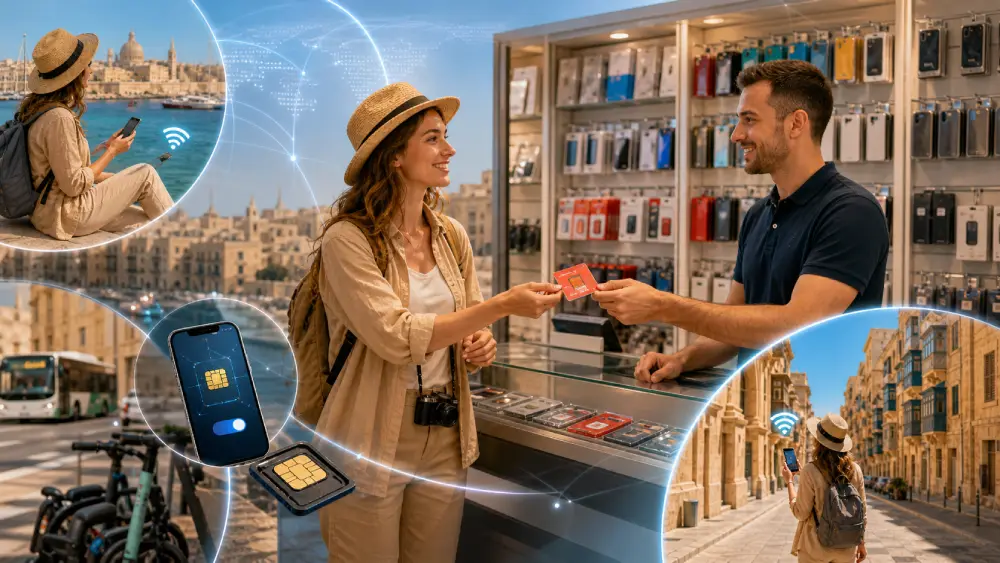
If you do not need to get connected inside the terminal, buying a prepaid SIM in town often gives you more flexibility. Malta’s main mobile operators are GO, Epic, and Melita, and all of them offer prepaid or top-up options. GO specifically promotes its prepaid plans for people visiting Malta, while Melita and Epic both offer prepaid SIMs and top-up bundles through their retail channels.
Here is a practical snapshot of official prepaid pricing travelers can actually use.
Exclusive Reader Bonus!
Enjoy an extra %10 OFF your first Roafly eSIM purchase as a thank you for reading.
| Feature | Details |
|---|---|
| Works in | Malta |
| Plan type | Data only |
| Mobile hotspot | Available |
| Networks | Vodafone, GO |
| eKYC / ID verification | Not required |
| Activation policy | Validity starts when the SIM connects to a supported network |
The pricing is especially strong for travelers who do not need calls and texts and mainly want data for navigation, messaging apps, transport, and everyday travel use.
You can activate before arrival.
That means no waiting until you find a shop.
You keep your main SIM active.
Useful for receiving banking texts or keeping your home number available.
No paperwork or shop visit.
Roafly’s Malta plan does not require eKYC.
Hotspot support is included.
That matters if you want to connect a laptop or share data with another device.
You can choose your data size more precisely.
Not every traveler needs a large local prepaid package with calls and SMS included.
If you want a more detailed breakdown focused only on digital plans, the best eSIM for Malta guide is a useful next read before choosing a package.
Roafly supports the installation methods most travelers expect in 2026:
That flexibility is helpful because not every airport arrival goes smoothly, and having more than one installation method reduces friction.

Malta is small, but many travelers use more data than they expect. Constant navigation, restaurant searches, Bolt rides, ferry lookups, beach club directions, and social uploads add up fast.
A simple rule:
If you are unsure, using a data usage calculator before the trip can help you avoid overbuying or running out halfway through your stay.
You can also browse Malta eSIM packages before departure if you want to compare trip length against your likely data needs.
Pocket WiFi is still an option in Malta, but it is rarely the most practical one for solo travelers in 2026.
Rental pricing varies, but current market offers aimed at Malta and wider Europe show rates starting around $6.90 per day on one Malta-specific rental page and €3.95 per day on a Europe-wide pocket WiFi rental page.
Pocket WiFi can work well if:
For most travelers, the trade-offs are obvious:
For a single traveler or couple, an eSIM is usually simpler and cheaper.
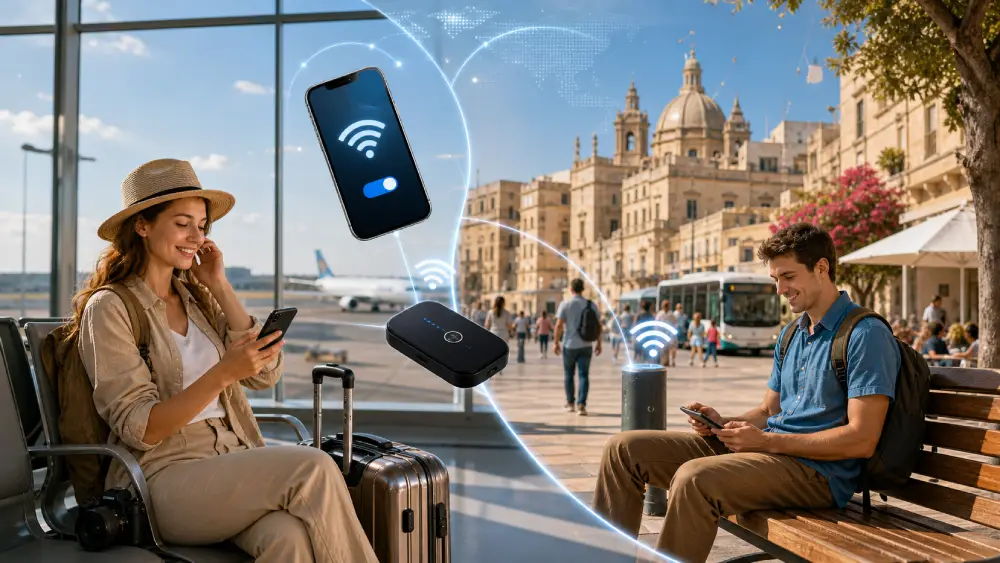
Free WiFi can help in Malta, but it should be treated as a backup rather than your main internet plan.
Malta International Airport states that its WiFi is free of charge and that there is no time limit on use.
That is useful for:
It is a good safety net, but it is not a substitute for having mobile data once you leave the terminal.
Malta does have a real public WiFi network. The Malta Communications Authority says it has installed more than 400 free Wi-Fi connections around Malta and Gozo in public areas such as gardens, village squares, local councils, schools, and government departments. VisitMalta also maintains a page for WiFi hotspots, and Malta Public Transport says there is free Wi-Fi on all buses through the Tallinja Wi-Fi network.
That sounds great on paper, but public WiFi still comes with limits.
Public WiFi is useful for occasional checks, but it is not ideal for full-day travel because:
If you only use public WiFi, you will eventually end up offline exactly when you need directions, ticket confirmations, or transport updates.
Here is the simplest way to decide.
You want a physical SIM immediately after landing and do not mind paying for convenience.
You are staying longer, want a traditional carrier plan, and do not mind visiting a shop.
You want the easiest setup, data-only travel connectivity, hotspot support, and no store visit.
You are traveling with multiple devices or people and need a shared connection.
You need temporary access for a few minutes, not full travel connectivity.
For most travelers heading to Malta in 2026, an eSIM is the easiest and most balanced choice, while airport or local prepaid SIM cards are still solid alternatives for those who prefer physical setup. Pocket WiFi works for some group trips, and public WiFi is best kept as a backup.
Best for most trips
Vodafone, GO
Malta
10 GB · 30 days
Enough for maps, bookings and everyday travel.
Hotspot supported
$14.00
$12.60
MALTA10 automatically applied
$4.50From 4.05 USD
10% reader discount
| Provider | Plan | Price | Data | Validity | Notes |
|---|---|---|---|---|---|
| GO | Smart S | €5.99 | 1GB standard | 4 weeks | 100 mins + 100 SMS |
| GO | Smart M | €11.99 | 15GB standard | 4 weeks | 250 mins + 250 SMS |
| GO | Smart Unlimited | €15.99 | Unlimited local data + 28GB in Zone 1 roaming | 4 weeks | Good for heavier use |
| GO starter offer | Starter SIM pack benefit | Included offer details published by GO | Unlimited local data for first 7 days + Smart L allocation with 10GB, 300 mins, 300 SMS | Offer-based | Useful for arrivals staying a few weeks |
| Epic | Data Pack | €6.99 | 4GB | 28 days | Prepaid top-up |
| Epic | Value Promo | €4.99 first 6 purchases, then €10.99 | 10GB | 28 days | Promo pricing |
| Melita | Prepaid Top Up | Price varies by bundle | Bundles available | 28 days | Prepaid SIM and eSIM available through Melita |
A local prepaid SIM makes sense if you are staying long enough to justify the extra stop at a shop.
Best for short stays
GO Smart S or Epic Data Pack are fine for light browsing, messaging, ride-hailing, and checking ferry times.
Best for normal tourism
GO Smart M or Epic’s 10GB promo tier are more realistic for a typical Malta trip with maps, social media, and some hotspot use.
Best for heavy use
GO Smart Unlimited is better if you are working remotely, uploading content, or streaming more often.
One point worth knowing is network coverage. Epic says it was named Malta’s Best Mobile Network by the Malta Communications Authority in 2025, and it also publishes a network coverage map for the islands. Melita says it offers a complete nationwide 5G network for its 5G mobile customers, while GO highlights 5G data on its Smart top-up plans.
That means coverage in Malta is generally strong across the main tourist areas, but performance can still vary by exact location, building interiors, and device compatibility.
For most travelers, the easiest way to get internet in Malta is to install an eSIM before departure and activate it when you land. That removes the need to visit a store, swap plastic SIM cards, or spend your first hour in Malta comparing tariffs.
Roafly’s Malta eSIM is designed for exactly that kind of trip.

Manage your eSIM in the app
Install, top up and track data.
Manage your eSIM in the app
Install, top up and track data.
Choose the perfect data plan for your trip
