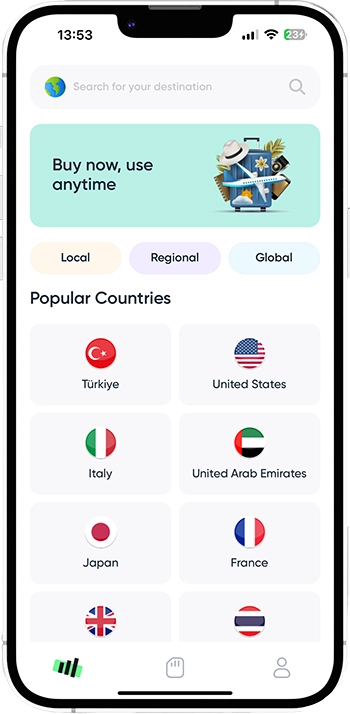


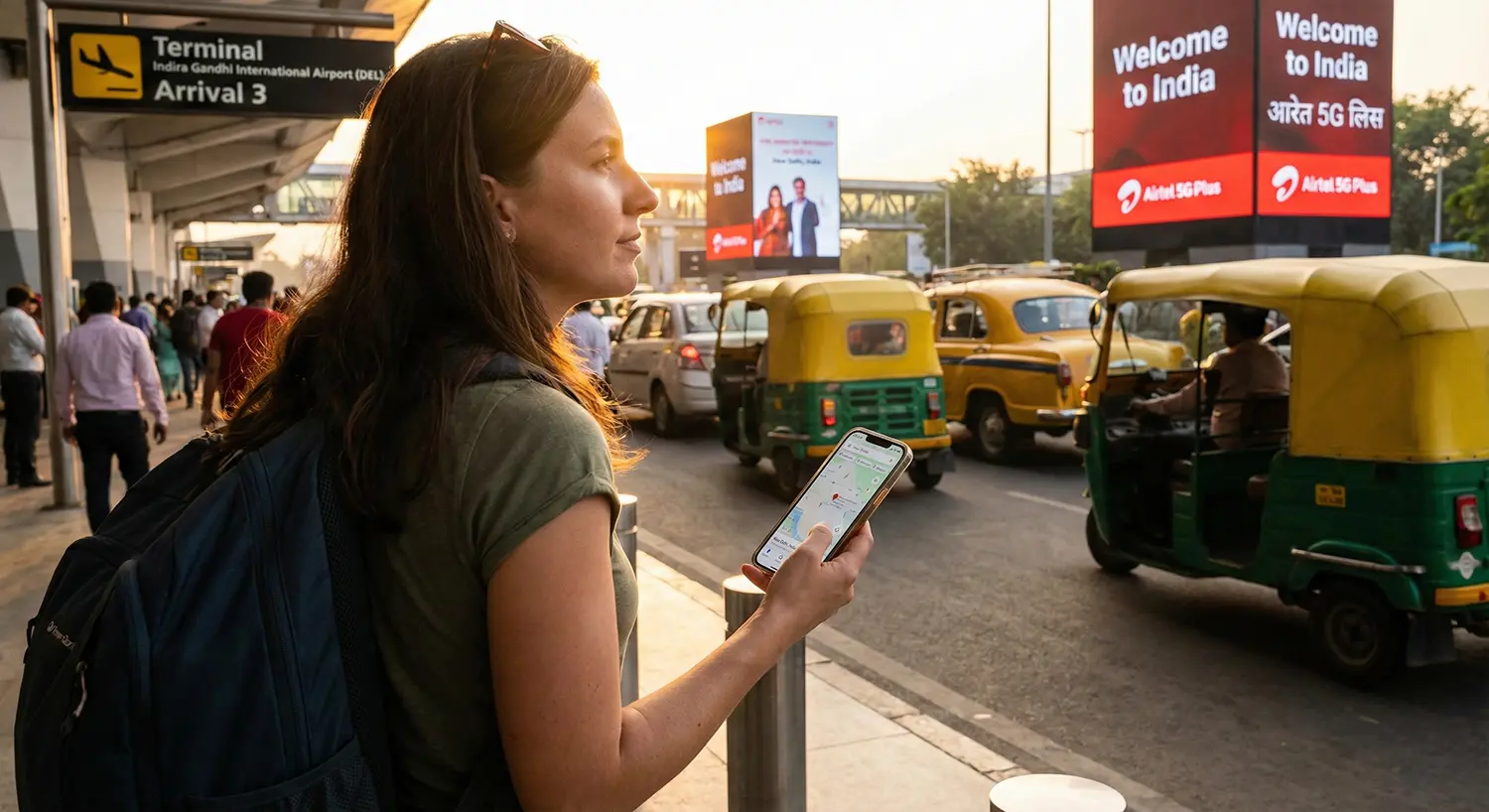
India offers multiple ways to get mobile internet, but the experience differs significantly depending on where and how you buy your connection. Airport kiosks provide quick access but at a premium, local prepaid SIMs offer the cheapest long-term data but require full KYC and activation delays, while a travel eSIM like Roafly delivers instant connectivity with no paperwork. Below, we break down real prices, requirements, and network details to help you pick the fastest and most practical option.
Need data in India? Get an eSIM!
Understanding India’s Mobile Network Options
India’s infrastructure is dominated by three major operators:
-
Jio – Fastest 4G and large-scale 5G rollout, strong performance in major cities.
-
Airtel – Very reliable nationwide, excellent for travelers.
-
Vi (Vodafone Idea) – Affordable but patchier in rural regions.
All three networks support tourists, and all work with travel eSIMs (including the networks used by Roafly India eSIM plans). Combined, they cover nearly every urban and intercity route you’re likely to take.
Option 1: Buying a SIM Card at the Airport
Airport SIM cards are the quickest physical option because kiosks are set up for tourists and handle passport registration efficiently. The trade-off is cost: airport packages include a markup, and data allowances are modest.
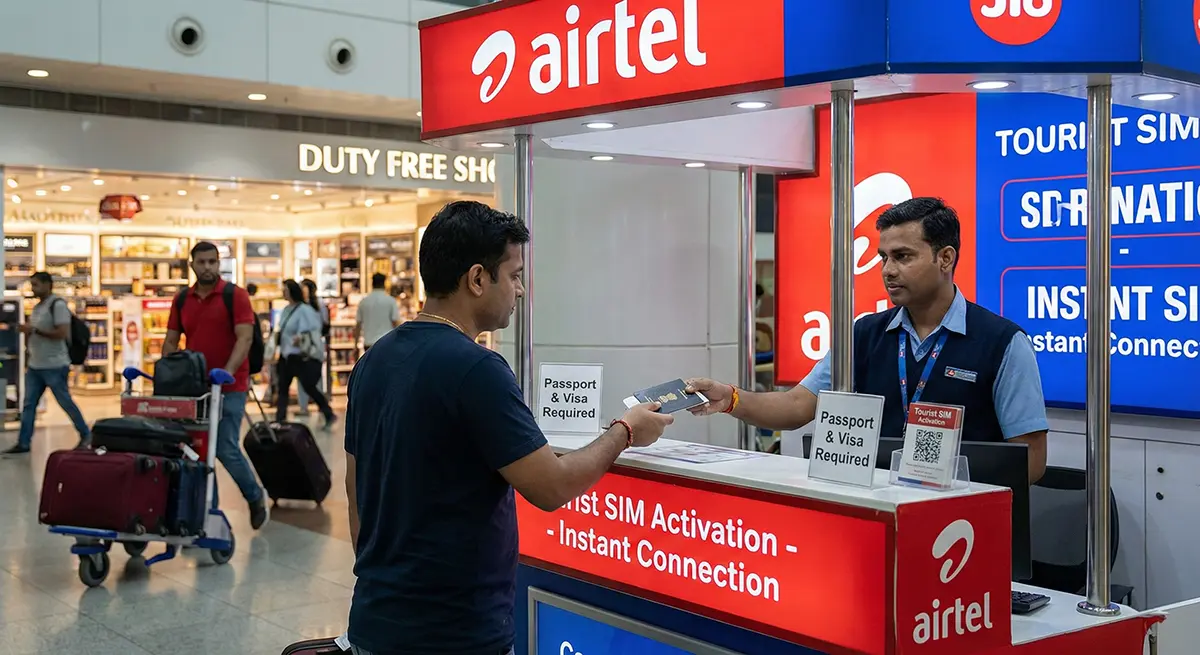
Where airport SIMs are available
Most major airports offer on-site SIM activation:
-
Delhi (DEL) — Airtel, Jio
-
Mumbai (BOM) — Airtel, Jio, Vi
-
Bangalore (BLR) — Airtel, Jio
-
Goa, Hyderabad, Chennai — Varying availability
Actual airport pricing (verified 2025 data)
Delhi Airport – Airtel Tourist SIM
-
Around ₹500 (~6 USD)
-
Package includes ~1 GB data + unlimited local calls
-
Valid for ~28 days
General airport SIM cost across India
-
Typically ₹199–₹500, depending on operator and data volume
Airport SIM advantages
-
Immediate data after landing
-
Staff handle paperwork
-
English-speaking kiosks
Airport SIM disadvantages
-
More expensive than city shops
-
Limited tourist-tier data (often 1 GB or daily 1 GB)
-
Requires passport + identity capture
-
Occasional short activation delay
Option 2: Buying a Prepaid SIM in the City

If you want the cheapest data in India, you’ll find it in city carrier stores. However, the process takes more time and demands full KYC compliance.
Documents required (strict KYC for foreigners)
Indian law requires:
-
Passport
-
Valid visa or e-visa
-
Local address (your hotel is acceptable)
-
Passport-style photo (often taken on the spot)
Activation times
-
Minimum: 30 minutes
-
Maximum: 24–48 hours
Actual city SIM card prices (Airtel, Jio, Vi)
Airtel Prepaid
-
₹299–₹349 (≈ 3.6–4.2 USD)
-
1.5 GB/day for 28 days
Jio Prepaid
-
₹209–₹299 (≈ 2.5–3.6 USD)
-
1.5–2 GB/day for 28 days
Vi Prepaid
-
From ₹299
-
1–1.5 GB/day for 28 days
These prices are exceptionally cheap for long stays — but you must be ready for forms, photos, and a waiting period.
City SIM advantages
-
Best value per GB
-
Local number for calls and OTPs
-
Ideal for 30-day or multi-month stays
City SIM disadvantages
-
Requires full KYC and identity collection
-
Not instant — activation delays are common
-
You must visit a store, sometimes queue
-
Not ideal for short trips
Option 3: Using a Travel eSIM (Roafly)
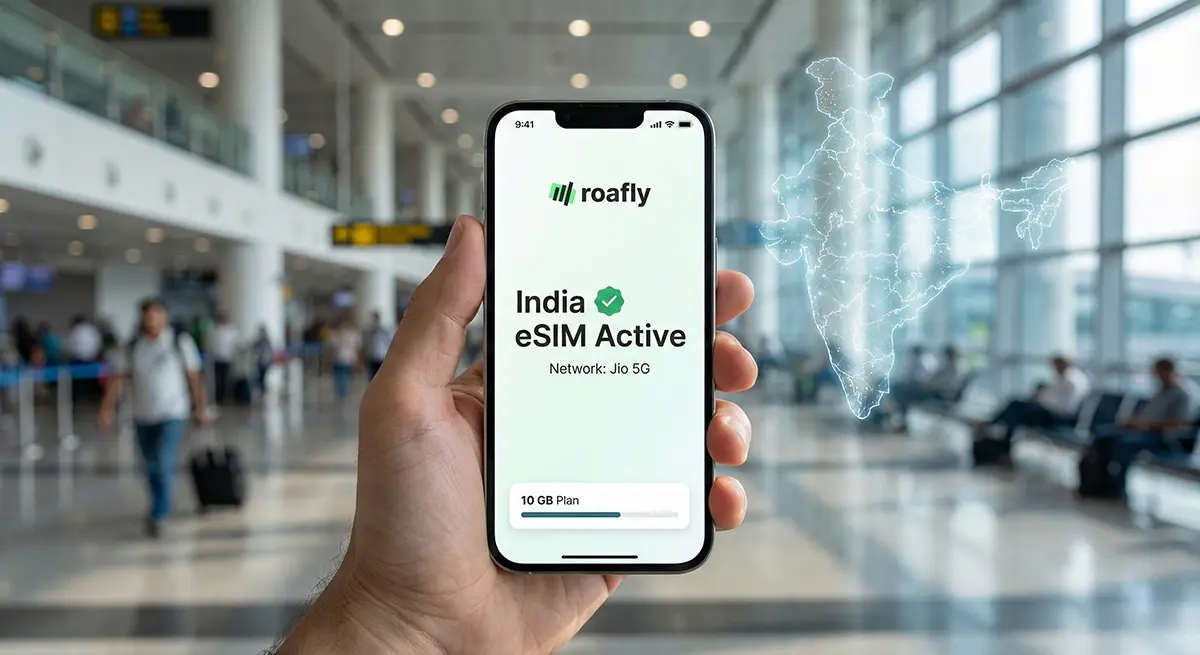
Travel eSIMs have become the preferred method for short-term travelers because they eliminate paperwork, queues, and SIM swapping — and activate instantly upon arrival.
Is eSIM supported in India?
Yes. eSIM is fully supported, legal, and widely used across Jio, Airtel, and Vi.
Travel eSIMs connect through these networks without requiring Indian KYC.
Roafly India eSIM plans
Roafly’s India packages use Jio, known for strong coverage and fast speeds in urban areas. No ID, passport, or verification is required.
Current plans:
-
1 GB / 7 days – $4.90
-
3 GB / 30 days – $8.90
-
5 GB / 30 days – $13.90
-
10 GB / 30 days – $22.90
-
20 GB / 30 days – $39.90
Need data in India? Get an eSIM!
Why Roafly eSIM is the simplest option
-
Instant activation the moment you land
-
No KYC or documentation
-
No SIM swapping
-
Hotspot/tethering supported
-
Works directly via Jio’s nationwide network
Does WhatsApp work normally in India?
Yes. WhatsApp is not blocked in India.
-
The Indian Supreme Court rejected petitions to restrict WhatsApp.
-
Messaging, voice, video, and WhatsApp Pay all function normally.
-
Only accounts violating spam or bulk-messaging policies may be individually restricted — unrelated to SIM or eSIM usage.
So whether you use airport SIM, local SIM, or a Roafly eSIM, WhatsApp works seamlessly.
Summary: Choosing the Best Method
Airport SIM
-
Easiest physical option
-
Immediate but more expensive
City SIM
-
Cheapest
-
Requires KYC and waiting time
Roafly eSIM
-
Fastest
-
No paperwork
-
Ideal for 3–21 day trips
How Much Data Do You Actually Need in India?
India is a high-data-use destination. Maps, UPI payments, hotel check-ins, taxi apps, and rich media on social platforms consume more than most travelers expect. Planning your data usage before choosing a SIM or eSIM package ensures you don’t overspend — or worse, run out of data during intercity travel.
Typical tourist consumption
Based on average app behavior, here’s a realistic breakdown:
-
Light users (messages, maps, emails): 2–4 GB per week
-
Normal city travelers (rides, photos, social apps): 5–8 GB per week
-
Intercity travel + navigation heavy: 8–12 GB per week
-
Remote workers / constant uploads: 15–25 GB per week
Long-distance trains, domestic flights, and ride-hailing to/from airports often require offline maps or stable 4G — meaning having enough mobile data is key for safety and navigation.
If you want a precise estimate, use Roafly’s data planner: Roafly Data Usage Calculator
Setting Up a Roafly India eSIM Step-by-Step
Travel eSIMs remove the two biggest pain points in India: paperwork and activation delays. Roafly is designed for travelers who need guaranteed connectivity the moment they land.
Step 1 — Check Device Compatibility
Most modern devices support eSIM:
-
iPhone XS and above
-
Google Pixel
-
Samsung Galaxy S20 and above
-
Many Xiaomi, Oppo, Huawei models
If unsure, consult the compatibility list on the Compatible Devices page.
Step 2 — Purchase Your Preferred Data Plan

Pick a plan based on trip length (1 GB for quick weekends, 5–10 GB for multi-city trips, up to 20 GB for heavy users). Prices:
-
1 GB / 7 days — $4.90
-
3 GB / 30 days — $8.90
-
5 GB / 30 days — $13.90
-
10 GB / 30 days — $22.90
-
20 GB / 30 days — $39.90
All plans use Jio, one of India’s strongest 4G/5G networks.
Need data in India? Get an eSIM!
Step 3 — Install the eSIM
Roafly offers three installation methods:
-
Direct install (iOS) — the fastest method
-
QR code scan
-
Manual entry (SM-DP + activation code)
Once installed, the eSIM remains dormant until you activate it on arrival.
Step 4 — Activate After Landing
When your plane touches down:
-
Open Mobile Data Settings
-
Switch your Data Line to Roafly
-
Turn on Data Roaming
-
Wait 10–30 seconds; your phone will connect to Jio
If it takes longer, toggling Airplane Mode often forces a quick handshake with the network.
Troubleshooting: Why Do Some Travelers Lose Internet After Landing?
India’s networks are fast, but there are common rookie mistakes that cause connection issues. Most can be fixed in under a minute.
Fix #1 — Data line isn’t set to the eSIM
Your phone may automatically default to your physical SIM. Manually switch to Roafly.
Fix #2 — Data Roaming is off
Travel eSIMs require roaming; this is normal and safe.
Fix #3 — APN settings weren’t applied
Check your Roafly activation email for the APN field (usually auto-configured).
Fix #4 — The device is locked
Some phones purchased under carrier contracts block foreign SIM profiles.
Fix #5 — Network congestion
In very congested metro zones (Delhi metro, Mumbai trains), speeds temporarily drop. Switching airplane mode on/off helps.
If users still have issues, Roafly’s support docs offer detailed fixes:
Should You Combine Local SIM + Roafly eSIM?
Many remote workers and long-stay guests choose a hybrid approach:
-
Use Roafly eSIM for immediate internet the moment you land + the first days in India
-
Switch to a local SIM later if your stay exceeds 30–40 days
This approach avoids the painful airport-line bottlenecks and KYC delays, while still giving you access to India’s incredibly cheap long-term local data plans.
Hybrid setup recommended for:
-
Slow travelers
-
Digital nomads
-
Students staying 1–3 months
-
Travelers who need a local Indian phone number
For short-term visitors (3–21 days), Roafly alone is more efficient.
Which Option Is Best For Your Trip Length?
| Trip Duration | Best Choice | Why |
|---|---|---|
| 1–3 days | Roafly eSIM | Instant activation; no time wasted in KYC |
| 4–10 days | Roafly eSIM | Enough data, full flexibility |
| 10–21 days | Roafly eSIM or hybrid | Depends on data usage |
| 30+ days | Local SIM (after a few days) | Cheaper long-term packages |
| Frequent multi-city travel | Roafly eSIM | Consistent coverage and no store visits |
Final Buying Guidance (Clear Summary)
If you want:
-
Zero paperwork → Choose Roafly eSIM
-
Instant connectivity at landing → Choose Roafly eSIM
-
Cheapest long-term option → Buy a local SIM later
-
A local number for calls/UPI → City prepaid SIM
-
Minimal hassle → Avoid airport SIMs; they are overpriced
-
Reliable WhatsApp/video calls → All options work
Conclusion
Getting mobile internet in India is straightforward once you understand the differences between airport SIMs, city SIMs, and a travel eSIM like Roafly. For most short-term trips, the eSIM route wins on convenience, speed, and reliability — especially because India’s strict KYC rules can delay physical SIM activation for up to two days. With Roafly, your device is online the moment you land.
Check eSIM India packages for your upcoming trip to India and stay connected wherever you travel.