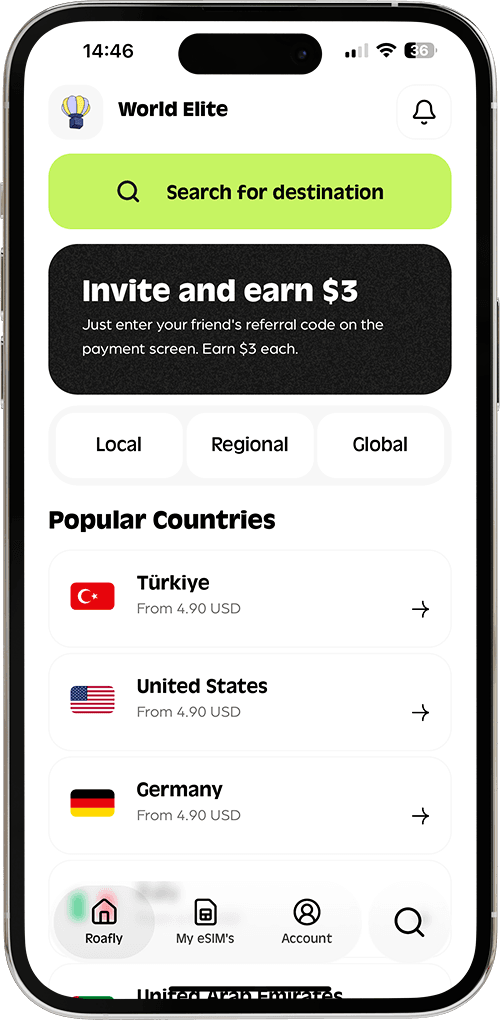
Roafly’s Thailand eSIM connects on major local networks (shown in plan details as AIS and TrueMove H), and it’s designed for travelers who want quick setup and reliable coverage.
Roafly Thailand eSIM packages (USD)
-
1GB / 7 Days — $3.90
-
2GB / 15 Days — $5.50
-
3GB / 30 Days — $6.50
-
5GB / 30 Days — $7.50
-
10GB / 30 Days — $10.00
-
20GB / 30 Days — $16.00
-
50GB / 180 Days — $49.00
Plan notes: Data-only, mobile hotspot available, eKYC not required, and validity starts when the eSIM first connects to a supported network.
Roafly prices listed above are in USD (as of Jan 2, 2026)
Installation methods (Roafly)
Roafly supports the common install flows travelers expect:
-
iOS Direct Install
-
QR Code
-
Manual installation
For a deeper breakdown of which package size fits different trip styles, see the Best eSIM for Thailand guide.
How much data do you actually need in Thailand?
A quick planning rule:
-
Light (1–3GB/week): maps, chat, occasional browsing
-
Medium (5–10GB/week): social media, short videos, frequent ride-hailing
-
Heavy (10GB+/week): lots of video, hotspots, remote work
A data usage calculator helps travelers estimate how much data they’ll need and avoid overpaying.
Quick troubleshooting (so you don’t lose a day to “No Service”)
If you land and your eSIM shows bars but no data, try these quick fixes: toggle the eSIM line off/on, enable data roaming for the eSIM line, switch Airplane Mode on for 10 seconds and off again, and manually re-select the network. If it still doesn’t work, confirm the eSIM is set as the active mobile data line and restart the phone.
Pocket WiFi in Thailand: when it makes sense (and when it doesn’t)
Pocket WiFi is a small portable router you rent, and it can connect multiple devices at once. This is most useful if:
-
You’re traveling as a group/family and want to share one connection
-
You need to connect a laptop all day
-
Your phone is not unlocked and you don’t want to rely on roaming
Typical pocket WiFi costs
Many rentals land around $3–$5 per day, depending on provider, pickup location, and rental length.
Some services offer airport pickup and returns, which is convenient if you prefer a physical device over SIM changes.
Pocket WiFi trade-offs
-
You must carry and charge another device.
-
If the battery dies, everyone loses connection.
-
Rentals may involve damage/loss fees—so check terms before you walk away from the counter.
Coverage and speed in Thailand: what travelers should expect
In practice, connectivity quality depends on where you are:
-
Bangkok, Chiang Mai, Phuket, Pattaya, Samui: strong 4G/5G in most populated areas. Independent coverage maps show broad availability across Thailand for major networks.
-
Road trips, mountains, smaller islands: coverage can drop outside towns; expect occasional slowdowns and dead spots depending on terrain. Coverage maps can help you sanity-check your route in advance.
-
For a performance-oriented view (speed/experience metrics), Opensignal’s Thailand reports provide third-party benchmarking based on real user measurements.
If your plan connects to AIS and TrueMove H networks, you’re generally well-covered across common tourist corridors.
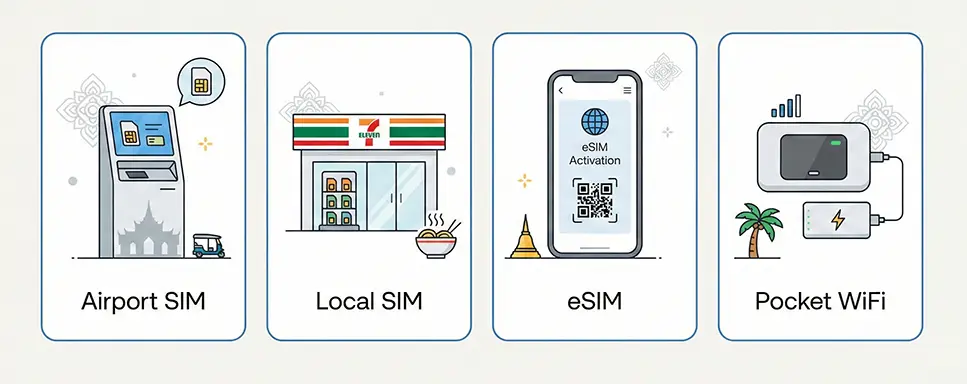
Which option should you choose?
A simple way to decide:
-
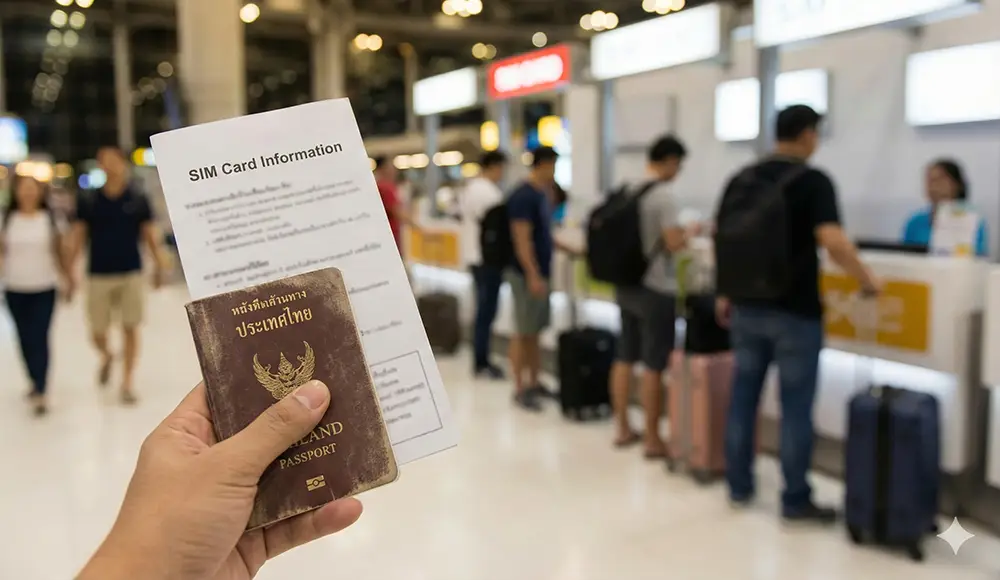
Choose an airport SIM if you want help immediately after landing and don’t mind paying a bit more for convenience.
-
Choose a city SIM (7-Eleven/operator shop) if your priority is the lowest local price and you can wait until you’re in town.
-
Choose a Roafly eSIM if you want to be connected the moment you arrive, without swapping SIMs or queuing at kiosks.
-
Choose pocket WiFi if you’re sharing internet across multiple devices all day and don’t mind carrying a router.
Check the latest Roafly Thailand eSIM packages before your trip so you can land with data ready to go.