

'/%3e%3cuse xlink:href='%23a' transform='translate(0 -400)'/%3e%3cuse xlink:href='%23a' transform='translate(0 -600)'/%3e%3cuse xlink:href='%23a' transform='translate(0 -800)'/%3e%3cuse xlink:href='%23a' transform='translate(0 -1000)'/%3e%3cuse xlink:href='%23a' transform='translate(0 -1200)'/%3e%3cpath d='M0 0h1400v800H0z' style='fill:%23010066'/%3e%3cpath d='M576 100c-166.146 0-301 134.406-301 300s134.854 300 301 300c60.027 0 115.955-17.564 162.927-47.783-27.353 9.44-56.71 14.602-87.271 14.602-147.327 0-266.897-119.172-266.897-266.01 0-146.837 119.57-266.01 266.897-266.01 32.558 0 63.746 5.815 92.602 16.468C696.217 118.91 638.305 100 576 100z' style='fill:%23fc0'/%3e%3cpath d='m914.286 471.429-99.538-53.25 29.43 108.982-66.575-91.165-20.77 110.96-20.428-111.024-66.857 90.96L699.314 418l-99.701 52.943 74.065-85.192-112.8 4.441 103.694-44.62-103.555-44.94L673.8 305.42 600 220l99.538 53.25-29.43-108.982 66.575 91.165 20.77-110.96 20.428 111.023 66.857-90.959L814.97 273.43l99.702-52.944-74.065 85.193 112.8-4.441-103.694 44.62 103.555 44.94-112.785-4.79z' style='fill:%23fc0' transform='matrix(1.2738 0 0 1.2423 -89.443 -29.478)'/%3e%3c/svg%3e)
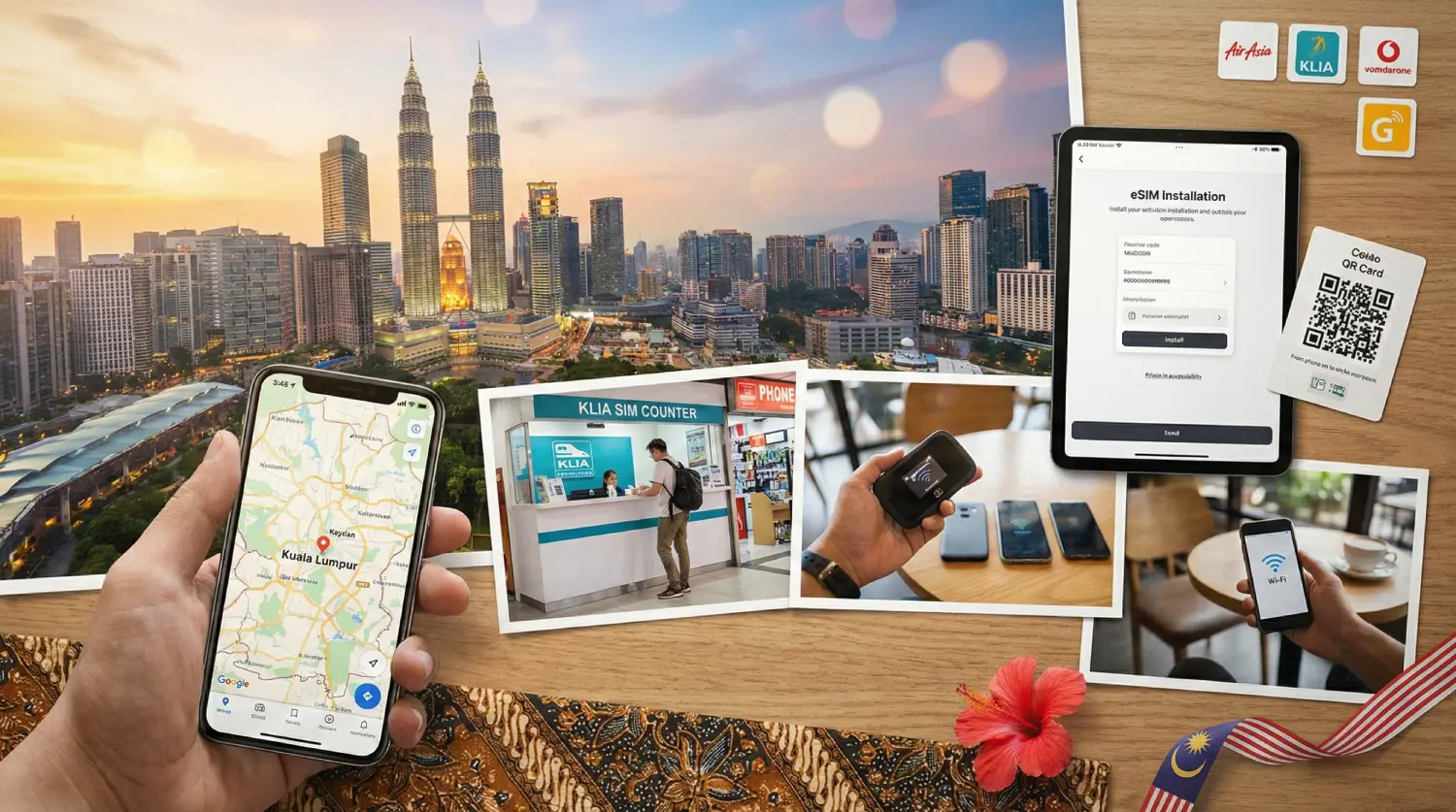
Below is a practical 2026 guide to getting internet in Malaysia, starting from the airport and moving outward to local tourist SIMs, eSIM, pocket WiFi, and free Wi-Fi.
Quick comparison of Malaysia internet options
| Option | Typical cost (USD) | Where to get it | Best for | Watch-outs |
|---|---|---|---|---|
| Airport tourist SIM | ~$6.41–$15.39 | KLIA Terminal 1/2 telecom counters | Convenience right after landing | Can be pricier than in-city deals |
| Local tourist SIM (in-city) | ~$7–$9+ | Telco stores, malls, convenience shops | Value + staff help | Might require passport registration |
| Roafly eSIM | From $3.90 | Online (activate in minutes) | The easiest setup (no physical SIM) | Needs an eSIM-compatible phone |
| Pocket WiFi rental | ~$8.55/day | Airport pickup / booking | Groups sharing connection | Battery management + device deposit sometimes |
| Airport/public Wi-Fi | Free | Airports, hotels, cafes | Light browsing + backups | Security and stability vary |
MYR prices below are converted to USD using Bank Negara Malaysia indicative rate on 24 Feb 2026 (about 1 USD ≈ 3.8985 MYR).
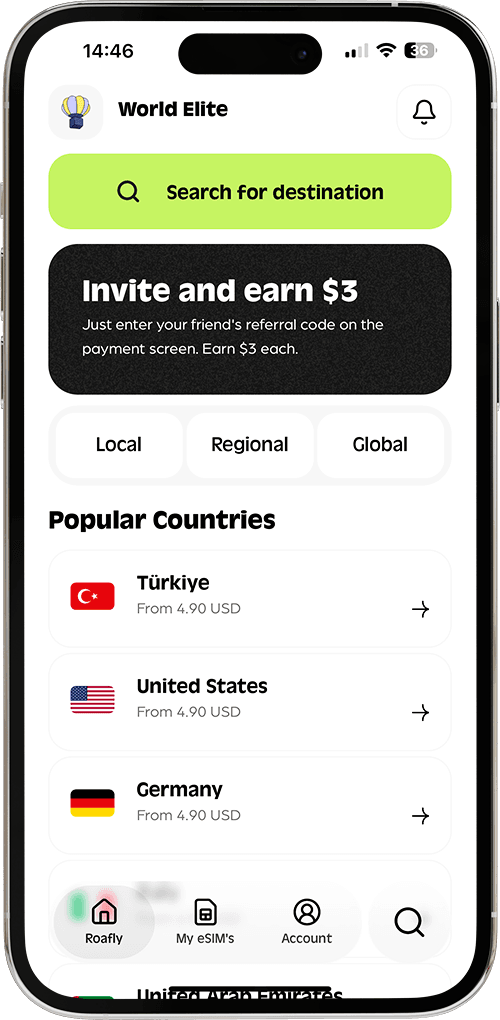
Need data in Malaysia? Get an eSIM!
Choose the perfect data plan for your trip

Manage your eSIM in the app
Install, top up and track data.
1) Buying a SIM at the airport (KLIA Terminal 1 & Terminal 2)
If you want to get connected before you even leave the arrivals hall, airport SIM counters are the most straightforward choice. KLIA (Kuala Lumpur International Airport) typically has telecom counters for major operators and travel-focused prepaid packs.

What you’ll usually pay at the airport (tourist SIM packs)
A common example of an airport-available tourist SIM is Hotlink’s travel pack:
-
RM35 (~$8.98) for 15 days (includes large high-speed quota and hotspot)
-
RM60 (~$15.39) for 30 days (higher quota and hotspot)
Hotlink’s travel SIM has been sold at Maxis Centres at KLIA Terminal 1 & 2 (and other airports), which is useful if you prefer an official counter instead of third-party kiosks.
You’ll also see other travel SIM variants marketed for short stays (15–30 days). A typical airport purchase flow is: show passport → SIM registration → staff inserts SIM or gives instructions → you’re.
Airport SIM pros and cons
Pros
-
Fastest “walk out connected” option.
-
Staff can help with APN settings if your phone doesn’t auto-configure.
Cons
-
You may pay a little more than in-city retail.
-
Choice can depend on which counters are open when you land.
Airport SIM checklist (so you don’t get stuck)
-
Keep your passport handy for registration.
-
Confirm validity period (7/15/30 days) before paying.
-
Ask whether hotspot is allowed (if you plan to tether).
-
Screenshot the APN instructions (just in case your data doesn’t come up immediately).
2) Local tourist SIM cards in the city (often better value)
If you can survive on airport Wi-Fi for the first hour (or you already have roaming as a temporary fallback), buying a SIM in the city can be a better value.

Where to buy local tourist SIMs
In Kuala Lumpur and other major cities (Penang, Johor Bahru, Kota Kinabalu), you’ll find prepaid SIMs at:
-
Official operator stores in malls
-
Phone shops
-
Convenience stores in tourist areas
Realistic 2026 pricing for local prepaid data
Malaysia prepaid pricing often clusters around “big quota for 30 days,” especially for locals and long-stay travelers.
Examples of published prepaid-style plans include:
-
CelcomDigi prepaid plans that advertise 30-day validity with high data quotas (e.g., RM35 with 100GB on some prepaid tiers).
-
U Mobile promotes travel-style passes with short validity options (e.g., RM12 for 7 days on travel pass tile, plus other weekly options).
Converted with the same Feb 2026 reference rate, RM35 is about ~$8.98 and RM12 is about ~$3.08.
Local SIM pros and cons
Pros
-
Often better value than airport-only bundles.
-
More plan variety (short stay vs. month-long).
Cons
-
Registration rules can vary by retailer and plan type.
-
You’ll spend time finding a shop and setting it up.
3) The easiest option: Roafly eSIM for Malaysia (no physical SIM)
If you want to skip queues and avoid swapping SIM cards, an eSIM is the cleanest setup—especially if you’re arriving late, traveling through multiple cities, or working while you travel.
Roafly supports 200+ countries®ions and offers simple installation methods:
-
iOS & Android Direct Install
-
QR Code
-
Manual
Roafly Malaysia eSIM plans are data-only, hotspot is available, and ID verification (eKYC) is not required. Roafly’s validity starts when the eSIM connects to a supported network. (Network partners: CelcomDigi and U Mobile.)
Need data in Malaysia? Get an eSIM!
Choose the perfect data plan for your trip
Manage your eSIM in the app
Install, top up and track data.
Roafly Malaysia eSIM prices (USD)
| Data | Validity | Price (USD) |
|---|---|---|
| 1GB | 7 days | $3.90 |
| 3GB | 30 days | $7.50 |
| 5GB | 30 days | $9.90 |
| 10GB | 30 days | $16.00 |
| 20GB | 30 days | $20.00 |
| 50GB | 30 days | $34.90 |
When Roafly eSIM makes the most sense
-
You want internet the moment you land (without hunting for a kiosk).
-
You don’t want to carry a second device (like pocket WiFi).
-
You’ll move between cities and want the simplest setup.
-
You want to keep your primary SIM active for calls/OTP (while using Roafly for data).
Installation tips (to avoid common setup issues)
-
Install the eSIM on stable Wi-Fi before your flight or at the airport.
-
Turn Data Roaming ON for the eSIM (this is normal for travel eSIM profiles).
-
Set Roafly as your Cellular Data line, and keep your main SIM for calls if needed.
If you ever land and see “no service” or “SOS,” the quickest fixes are usually toggling airplane mode, confirming the correct data line, and checking roaming settings. If you want a deeper troubleshooting flow, the guides like Fix eSIM No Service After Landing and Fix iPhone SOS Mode can save time, and I installed my eSIM but I have no internet covers the most common misconfigurations.
Also, if you’re specifically deciding on eSIM for this trip, link internally to the best eSIM for Malaysia guide for a focused, Malaysia-only eSIM breakdown.
4) Pocket WiFi in Malaysia (best for groups)
Pocket WiFi is a small hotspot device you carry with you. It’s most popular for:
-
Families and friend groups (everyone connects to the same hotspot)
-
Laptops + tablets + phones on shared connection
-
Travelers who prefer not to use eSIM/SIM swapping
What it costs in 2026
Pocket WiFi rentals commonly price per day. As reference point, Malaysia rentals can list around $8.55 per day depending on device type, speed, and pickup location.
Pocket WiFi pros and cons
Pros
-
Great for sharing (2–10 devices depending on hardware).
-
Useful if some travelers have phones that don’t support eSIM.
Cons
-
Another device to charge and carry.
-
Battery can die mid-day if you’re using maps and video heavily.
-
Some providers require deposits and have return logistics.
5) Airport Wi-Fi and public Wi-Fi (good as a backup, not your main plan)
Malaysia has lots of Wi-Fi, but reliability and security vary. You’ll find Wi-Fi in:
-
KLIA terminals
-
Hotels and serviced apartments
-
Cafes and malls in major cities
KLIA Wi-Fi
KLIA offers free Wi-Fi throughout the airport, which is helpful for ordering a ride or messaging your accommodation before you commit to a SIM purchase.
Public Wi-Fi safety tips (simple but important)
-
Avoid logging into banking apps on open networks.
-
Use hotspot from your own connection for sensitive work.
-
If you must use public Wi-Fi, keep sharing settings off and connect to known networks (ask staff for the exact SSID).
Malaysia mobile operators and coverage
Malaysia has strong 4G in populated areas, and 5G availability is expanding fast. For travelers, the practical takeaway is simple: you’ll have solid signal in cities and on major highways, while remote interiors and some islands can still be patchy depending on the operator and terrain.
The main networks you’ll see most often
-
CelcomDigi (Celcom + Digi)
Known for broad nationwide reach and strong coverage across populated areas. CelcomDigi publishes network reach claims and a coverage checker, and it’s frequently referenced as a top-coverage network locally. -
Maxis (Hotlink uses Maxis network)
Strong urban performance and wide national footprint, with an official coverage map to check specific areas before you travel. -
U Mobile
Popular for value plans; provides a coverage map (4G/5G) so you can verify service in your exact destination. -
Unifi Mobile (Telekom Malaysia)
Has a coverage checker for its mobile/5G offerings, useful if you’re considering Unifi-based plans while staying longer.
4G vs 5G: what to expect
-
4G is the baseline for reliable travel connectivity in most places you’ll go (cities, towns, main roads).
-
5G is growing quickly, but real-world experience can vary by location, building penetration, and network load. Malaysia’s national 5G rollout includes a public coverage map you can check by area.
Coverage by traveler hotspots
-
Kuala Lumpur / Klang Valley (KL, PJ, Shah Alam), Penang (George Town), Johor Bahru:
Very strong 4G and increasing 5G availability across operators. (Use operator coverage maps for exact street-level checks.) -
Langkawi, Kota Kinabalu, Kuching:
Generally good 4G in main areas; 5G can be more hit-or-miss depending on the exact neighborhood and operator—check maps before you go. -
Cameron Highlands / Genting Highlands / rural road trips:
Coverage can fluctuate with elevation and distance from towns; expect occasional drops on certain stretches and keep offline maps downloaded.
How to choose the right option for your trip
If you’re in Malaysia for 1–3 days
-
Light users: 1–3GB can be enough for maps, messaging, ride-hailing, and some browsing.
-
Heavy users: consider 5–10GB if you stream video, upload lots of photos, or work on the go.
Roafly’s smaller plans work well here because you avoid overbuying while still staying connected.
If you’re in Malaysia for 1–2 weeks
-
You’ll likely want 5–20GB depending on usage.
-
Day trips (Cameron Highlands, Genting Highlands, Penang) can increase map usage and photo uploads.
If you’re staying 30 days (or doing Malaysia + nearby countries)
-
Consider a higher data plan so you don’t spend time topping up mid-trip.
-
If you’re working remotely, it’s safer to have enough data for hotspot use.
If you’re unsure how much data you need, point readers to a Data Usage Calculator so they can estimate based on navigation, video calls, social media, and streaming habits.
Practical setup steps (so you get fast)
Option A: You want internet immediately after landing
-
Connect to KLIA free Wi-Fi first.
-
If you chose Roafly, install/activate your Malaysia eSIM.
-
If you prefer a physical SIM, buy at an official airport counter and confirm validity + hotspot rules.
Option B: You want the best value and don’t mind waiting
-
Use airport Wi-Fi for ride-hailing and essentials.
-
Buy a local tourist SIM at a mall/operator store in the city.
-
Test data before leaving the store.
Option C: You’re traveling with family or a team
-
Reserve pocket WiFi with airport pickup.
-
Charge it fully before your first full day out.
-
Keep a backup plan (Roafly eSIM or a small data pack) in case the device battery dies.
Final takeaway
Malaysia makes it easy to get, but the best choice depends on whether you value speed, simplicity, or sharing. For most travelers in 2026, an eSIM is the smoothest route—especially when you want to skip airport queues and start using maps and ride-hailing right away.
Check the latest eSIM packages for Malaysia and get connected before you land.